
Menu
▾
▴

Features
All this features must be described in help (F1) or menu (Ctrl+Shift+P), but without images and not explicit
- Multiple cursors/selections (next selection: Ctrl + D, select all matches: Ctrl + Shift + D, select all matches with regex or ignoring case: Ctrl + Shift + D from FindDialog)

- Unselect previous by Ctrl + K
- Matches selection incide selected range (by Ctrl + Shift + D from FindDialog)
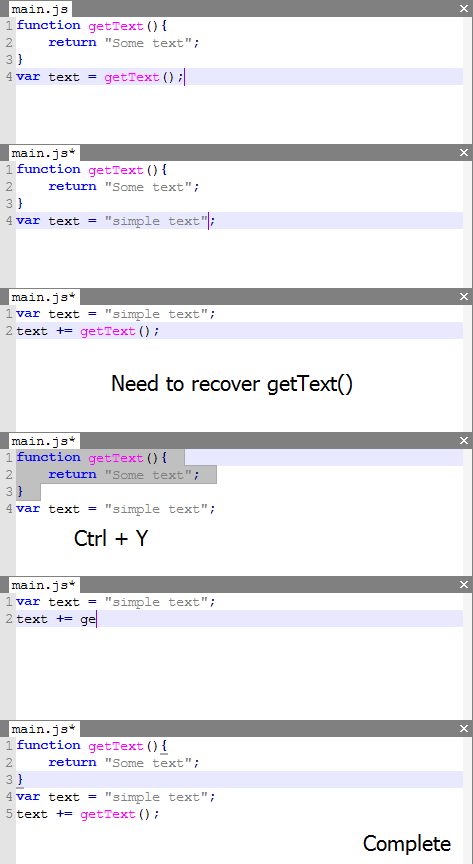
- Switching of undo branches (by Ctrl+T, it's possible because undo history is stored as tree)
- Color highlighting at cursor

- You own color scheme creation (with update sheme on save)
- Fast color scheme preview by Ctrl + Shift + C (you don't need to remember it - just remember Ctrl + Shift + P for all menu actions)
- Macroses
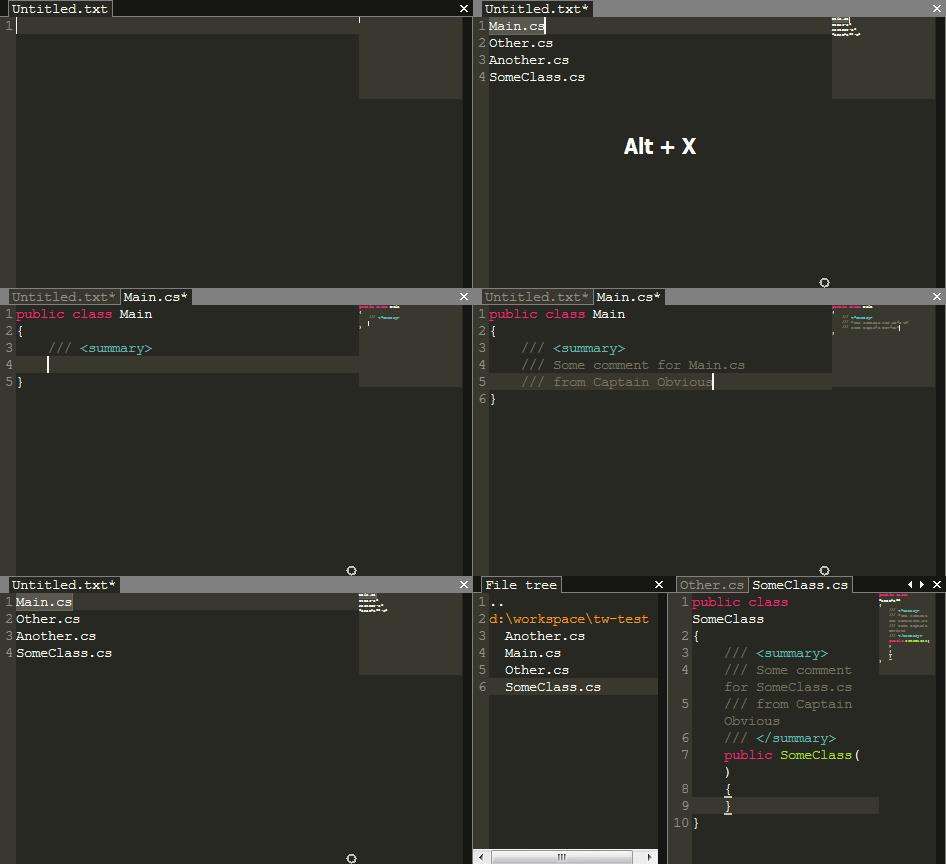
- Minimap
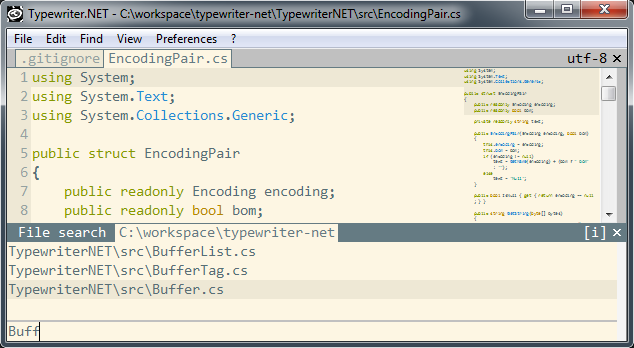
- File searching by Ctrl-P
- Search all current menu actions by Ctrl + Shift + P
- Your own syntax creation (with update syntax on syntax file saving)
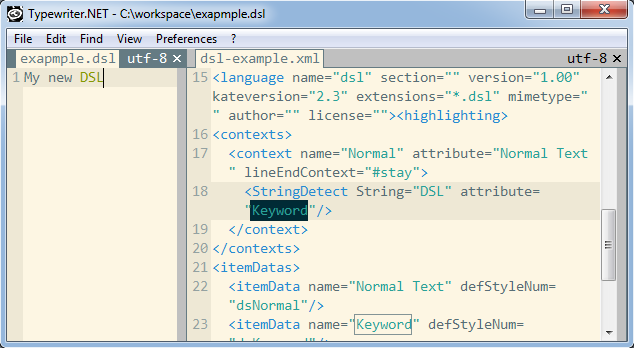
- Search text in current dir files (recursive)
- Search text in current file or other editor frame (i.e. FileTree or searching in files output), optional with ignore case (Ctrl+Shift+I for on/off) or regex (Ctrl+Shift+R for on/off)
- Running shell commands with ouput to console (command dialog shows by Ctrl + ;, but command text can be assigned to F5-F12 buttons in config, shell command starts with ! or !^)
- Custom encoding and syntax coloring for concrete shell command output (!{s:syntax;e:encoding}command})
- Using %f% (file path), %l%(line under cursor), %c%(char) parameters in command
- Navigate to position in file by command output console click (need configure shellRegex in config for your compiller/script output)
- FileTree (Ctrl + I): navigation, creation/removing files, current directory changing, current file selection in tree (Ctrl + 0)
- Scrolling to bottom (if cursor already bottom) on file reloading by Ctrl + R - for log reading
- Cursor position and file syntax setup storage
- Encoding changing: for save, for read, for shell output
- Horizontal scrolling with mouse wheel and shift
- Showing space characters, line endings, line numbers options
- Jump to line by number (Ctrl + G)
- Brackets highlighting
- Selected word highlighting
- Show 2 files together (Alt + Right, Alt + Left)
- Autoclosing of superfluous tabs if count more than maxTabsCount parameter in config
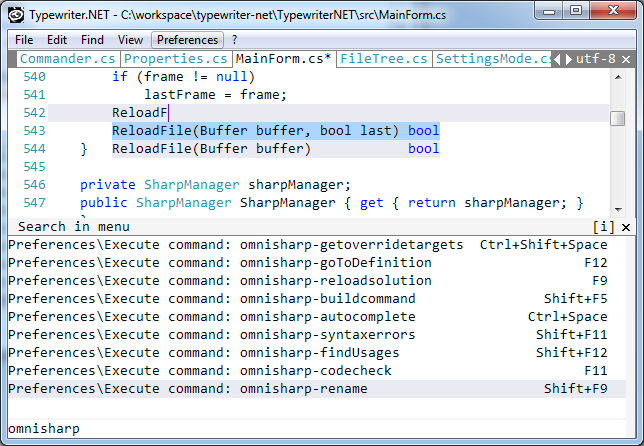
- Minimalistic OmniSharp server support (use omnisharpSln parameter in config or command omnisharpSln=... with reload solution)
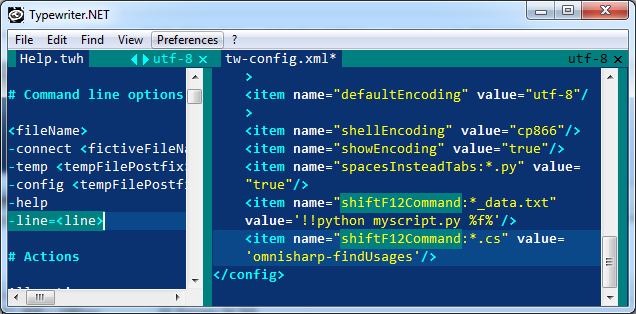
- Opening file on concrete line by parameter
- Separation commands and "spacesInsteadTabs" settings by current filename
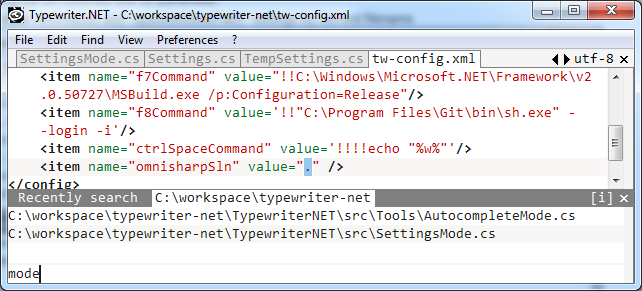
- Open recently files (Ctrl + Shift + O)
- Switch to recently current directories (Ctrl + Shift + G)
- Multirenaming - select several files in FileTree and press Ctrl+R (as single file renaming)
- Fullscreen mode on maximize (need fullScreenOnMaximized="true" in config, Ctrl+Enter - back to normal mode)
- Stripped-down implementation of path autocomplite in command dialog (Tab/Ctrl+Enter)
- Autocomplete for path and syntax/encodes in command dialog after {s:/{e:
- Minimal snippets support (learn more in buildin help and in menu items)
- Minimal ctags support (learn more in buildin help and in command list)
- enum - command to write digits sequence, i.e. 1 2 3 4, to enumerate lists (see more in help)
- vi-mode: minimal support (learn more in buildin help by F1 and Shift+F1)
- vi-mode: jump in place in (press Space, symbol in place, than showing symbols)
- vi-mode: multicursor edititng works too
- vi-mode: Ctrl+F - switch to normal mode in find/command dialogs
- vi-mode: correct ru keyboard layout working, allow customization to another layout
- Unity3d: rename and move files with his *.meta pair in File tree
- Unity3d: command -line= parameter to setup Unity3d to open file on error line (other parameters see in help)
- Unity3d: Pasting in output - for stack traces (Ctrl + Shift + V)
- running shell command after file saving (search afterSaveCommand in help)
