SimplyVBUnit Wiki
Brought to you by:
killian35


After installing the project templates, VB6 will have a SimplyVBUnit project available. A new unit-testing project can be started using the new project.
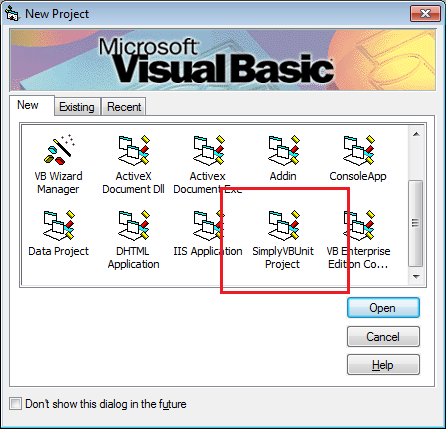
Once the project has been selected, be sure to have the general error trapping option set.

At this point you can either add a new DLL project or an existing DLL project to the group to be unit-tested. After the DLL project has been added to the group, add a reference to it from the SimplyVBUnit project.
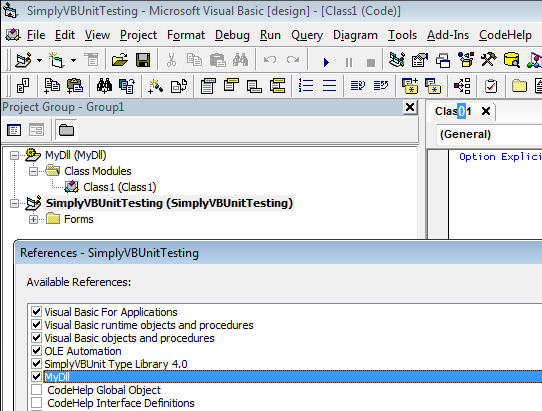
Now that a project group has been set up, you should save the group before beginning.
Wiki: Home
Wiki: Installing SimplyVBUnit
Wiki: Writing Unit-Tests
