
Menu
▾
▴

Home
DISCLAIMER AS-IS
I bear no responsibility for any loss/damage/misuse or anything else caused by this.
WARNING
THIS IS A CLIENT MODIFICATION!
Modification of client files can lead to account bans, game crashed, stability issues and so on.
You've been warned!
How it works
basically there is no actually editing involved what it does is Rename the old English voices or dats to _West and change the Japanese for _Jp to normal,
Detailed Explanation
so Download the installation file Here:
once downloaded run the installer and install to your TERA directory
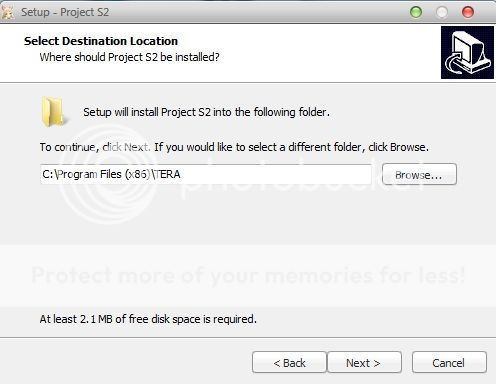
now this part is important, if your installation folder is different, you have to install to the "Parent " Folder or the folder before, so if your Tera install is in "H:\Games:\Tera, install this to H:\Games\ .. get it? it will say "there is already a directory called "TERA" would you like to overwrite... don't worry just say yes.
Once installed the app should launch and you should get a screen like this sexy demon
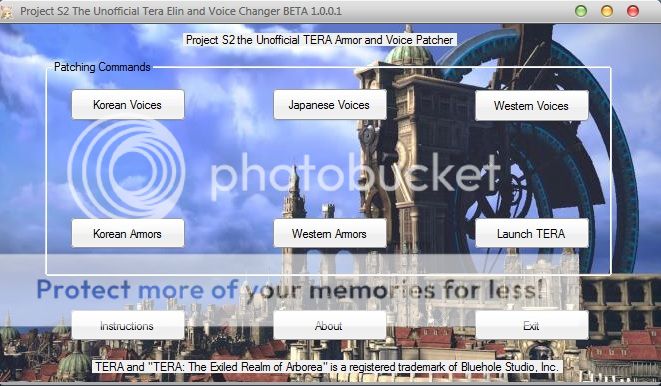
i will use the Japanese voices as the example because i am guessing that's what most people will use, so click "Japanese Voices" and you will get a Update Prompt like so
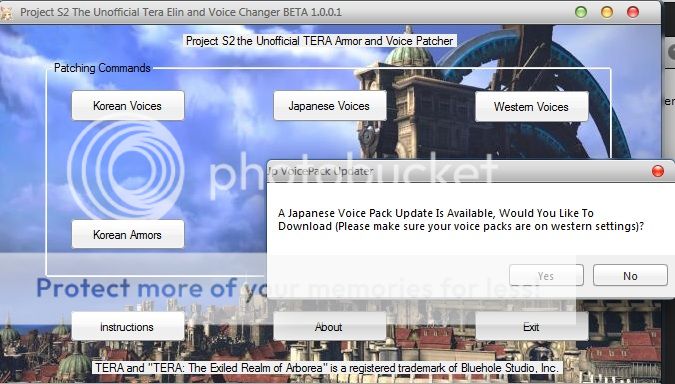
Choose to update and the file will start downloading
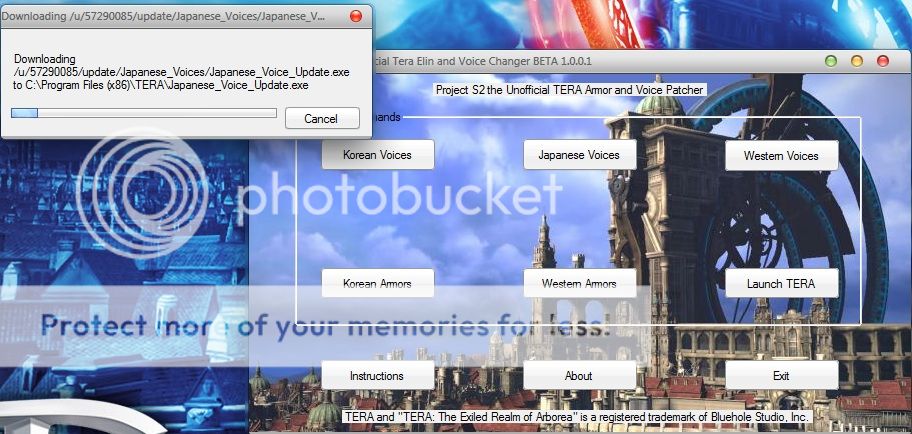
once it has finished you MAY get a dos prompt asking if you want to overwrite yes type "a" and press "Enter"
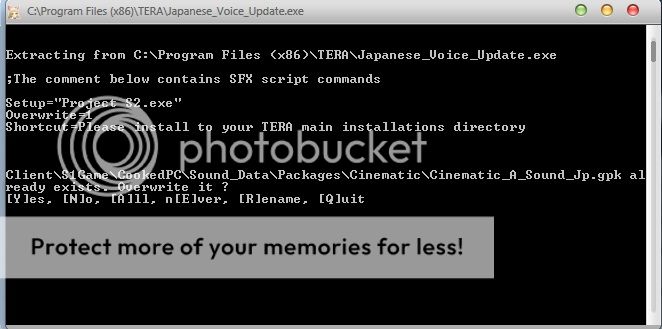
ok so now that is over and done with, you will need to launch the Program again and just click "Japanese Voices" Again and you should get a prompt saying "Voices have been changed to the Japanese versions "
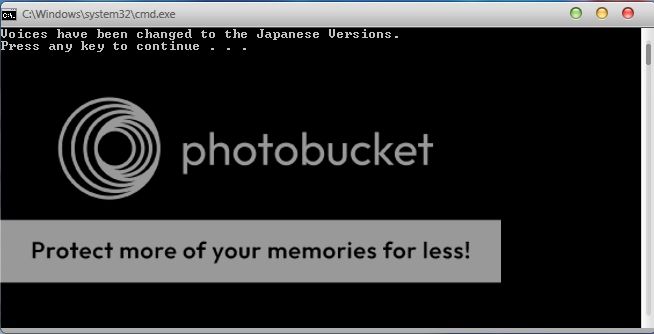
and you are done, you can either launch the game from Project S2 or from your normal method
ERROR's
There are currently a few types of errors which i will put below and show how to sort them,
1) Project S2 .net error,
you do not have the latest .Net Framework installed please download it from here
2) ERROR: bat file in the wrong path!
Place bat file to client's root and retry, you have not installed Project S2 into the correct directory, please check your TERA folder and see if it is there
3)ERROR: Elin Dats are already on the **** Versions,
Speaks for itself
4)ERROR: Something messed up in data directory! Are The Japanese/Korean Voices Already Active?
before switching between Japanese and Korean you will need to switch back to Western counterparts first
Footnotes ****
Chrome had a hissy fit when i tried to download the file saying it might be Malware but that is just because it is an installation file, i have scanned it with AVG for you
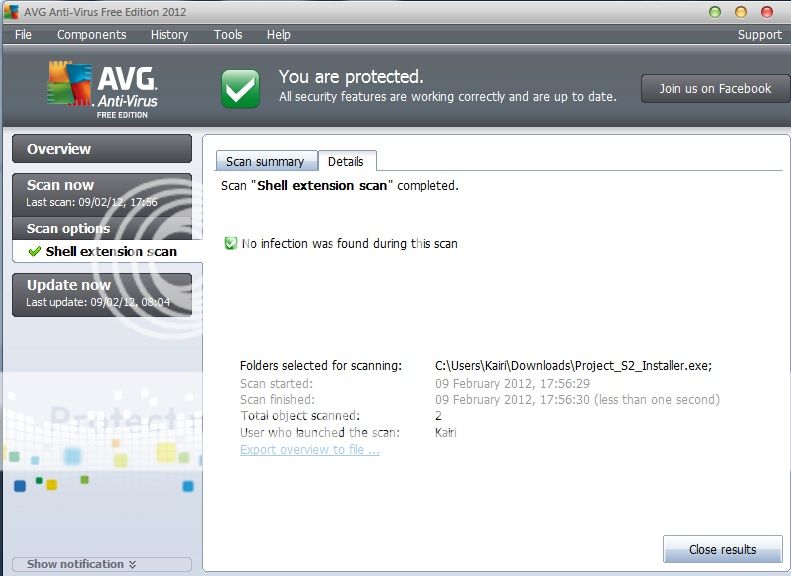
For The LULz
with the Elin patch on the lobby screen the Elins body disappears, now i have checked this armour in game and it works fine its only on the lobby XD, even on the KR client with Western Elin armours the body still disappears
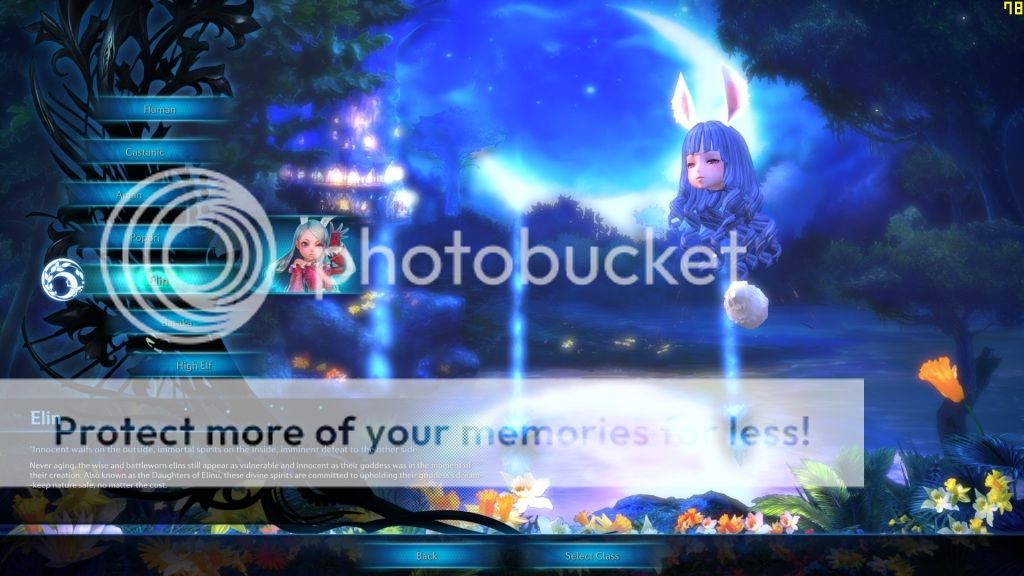
Change Log
1.2.1.5
Added new menu and deleted the old one, looks more professional
1.1.1.5
added server list for application to ping for server status
Project Admins:

