PixelImage Wiki
Image editor / converter for MCU-based embedded projects
Status: Beta
Brought to you by:
tsx777

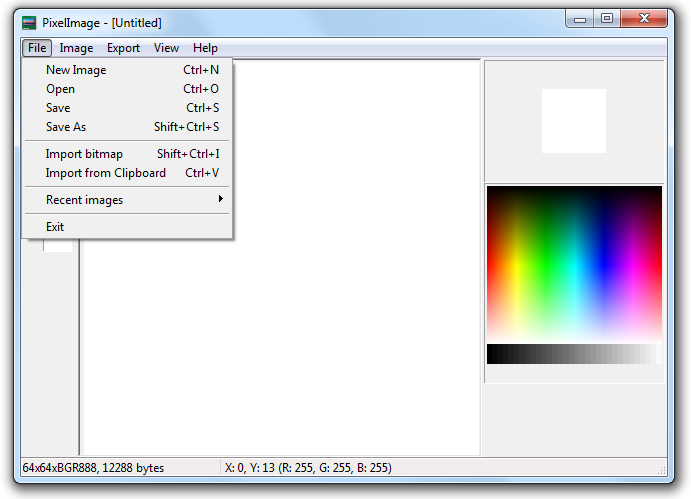
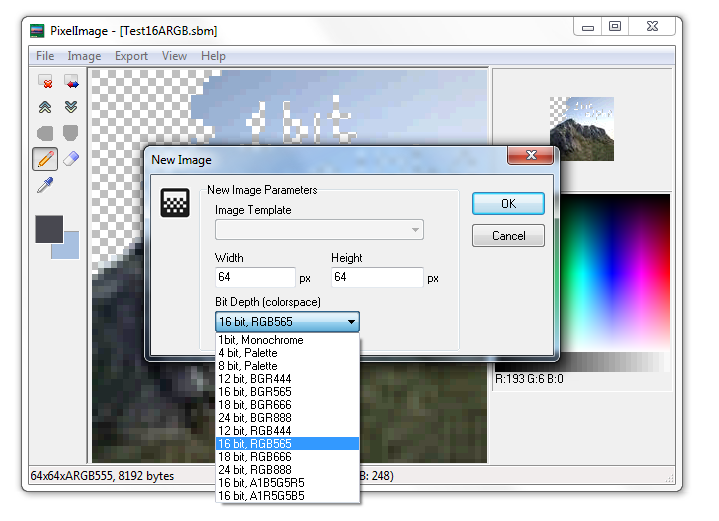
Use File -> New Image to make new blank image with specified size and color format. If clipboard contains bitmap, size fields will be set to clipboard image size.
Please note, that 12- and 18-bit color format support is still in development stage and may be buggy.
Use File -> Import bitmap to import existing picture. If imported image size different, you will be asked about extend/shrink current workspace. If you choose "No" image will be imported at top left corner of working bitmap.
You can paste image from clipboard with File -> Paste... or Ctrl+V hotkey. At this case work bitmap size is not changed, and clipboard data is inserted at top left corner of working bitmap.


