openai-whisper-api Code
Brought to you by:
illyism

| File | Date | Author | Commit |
|---|---|---|---|
| src | 2023-07-03 |
 Ilias Ismanalijev
|
[c21586] api key |
| .eslintrc.cjs | 2023-07-02 |
Ilias Ismanalijev
|
[f60ab3] init |
| .gitignore | 2023-07-02 |
Ilias Ismanalijev
|
[f60ab3] init |
| Dockerfile | 2023-07-02 |
Ilias Ismanalijev
|
[f60ab3] init |
| README.md | 2023-07-03 |
illyism
|
[2cce21] Update README.md |
| bun.lockb | 2023-07-02 |
Ilias Ismanalijev
|
[f60ab3] init |
| package.json | 2023-07-03 |
Ilias Ismanalijev
|
[8e05e0] rename |
| tsconfig.json | 2023-07-02 |
Ilias Ismanalijev
|
[f60ab3] init |
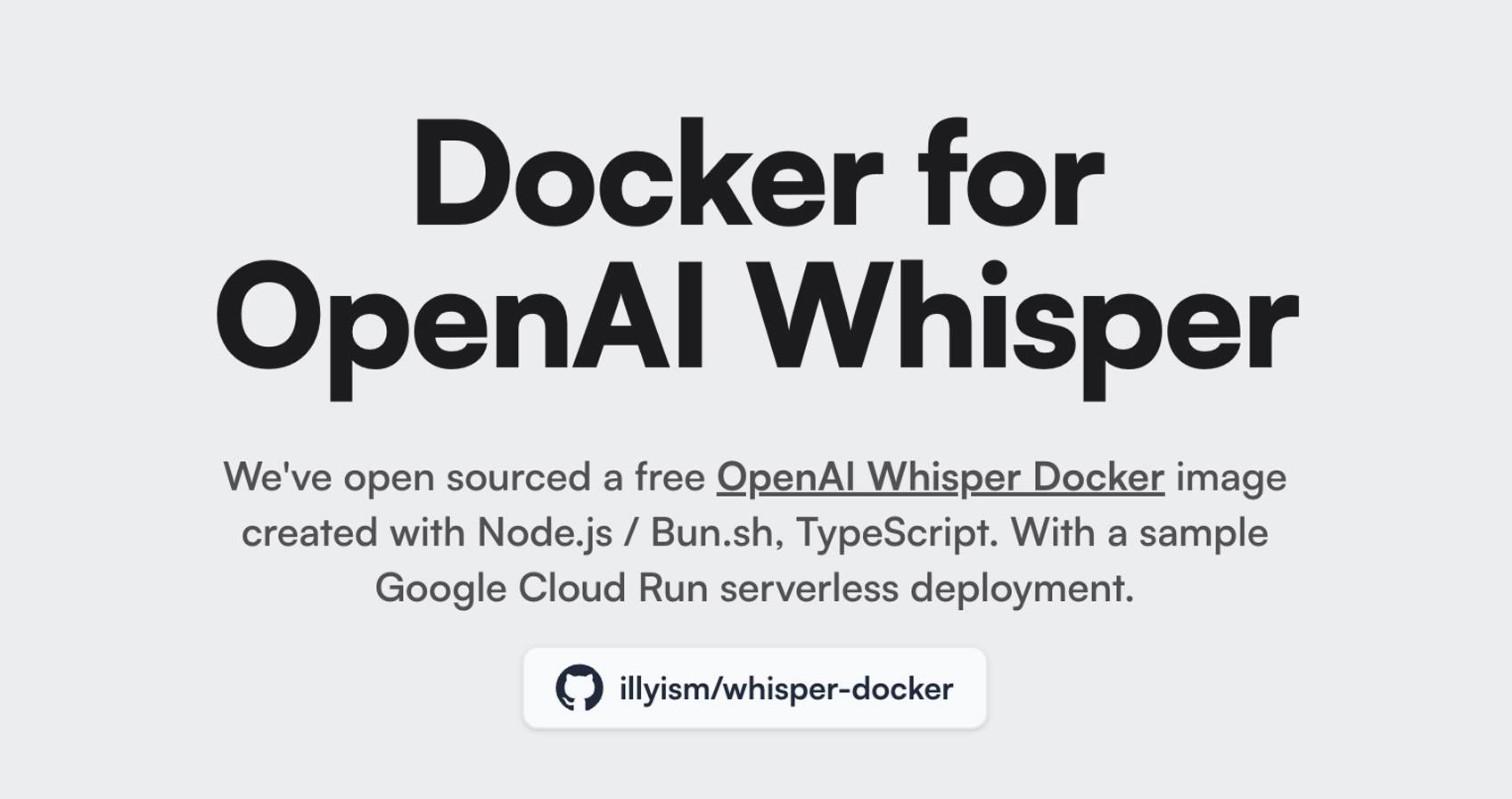
This is is a OpenAI Whisper API microservice using Node.js / Bun.sh / Typescript that can run on Docker. With zero dependencies.
It listens to the /transcribe route for MP3 files and returns the text transcription.
Install bun.sh first, clone this directory and run these commands:
bun install
bun run dev
You can now navigate to http://localhost:3000 or the PORT provided, see the Usage section below.
Install bun.sh first, clone this directory and run these commands:
Change the project ID to your own.
docker build --platform linux/amd64 -t gcr.io/magicbuddy-chat/whisper-docker .
docker push gcr.io/magicbuddy-chat/whisper-docker

gcloud run deploy whisper-docker \
  --image gcr.io/magicbuddy-chat/whisper-docker  \
  --platform managed \
  --region us-central1 \
  --allow-unauthenticated \
  --project magicbuddy-chat
You should receive a Service URL, see the Usage section below.
You can test normal HTTP by opening the /ping endpoint on the URL.
Connect to the /transcribe and send a POST request with the following body:
{
  "audio": "BASE64_ENCODED_AUDIO"
}
You need to pass the OpenAI API Key as a HEADER:
Authorization: Bearer OPENAI_KEY
Or you can launch the docker image or server with OPENAI_KEY in the env:
OPENAI_KEY=YOUR_KEY_HERE bun run dev

# or

docker run -p 3000:3000 -e OPENAI_KEY=YOUR_KEY_HERE gcr.io/magicbuddy-chat/whisper-docker

# or set it as env in Cloud Run with the below command or in the Cloud Console UI

gcloud run deploy whisper-docker \
  --image gcr.io/magicbuddy-chat/whisper-docker  \
  --platform managed \
  --region us-central1 \
  --allow-unauthenticated \
  --project magicbuddy-chat \
  --set-env-vars OPENAI_KEY=YOUR_KEY_HERE
We are using this Whisper API with MagicBuddy, a Telegram ChatGPT bot.
You can use the OpenAI Whisper Docker as a live example here:
