kindling Wiki
Novel writing app that bridges outlining and drafting. Built with Rust
Status: Beta
Brought to you by:
smithandweb


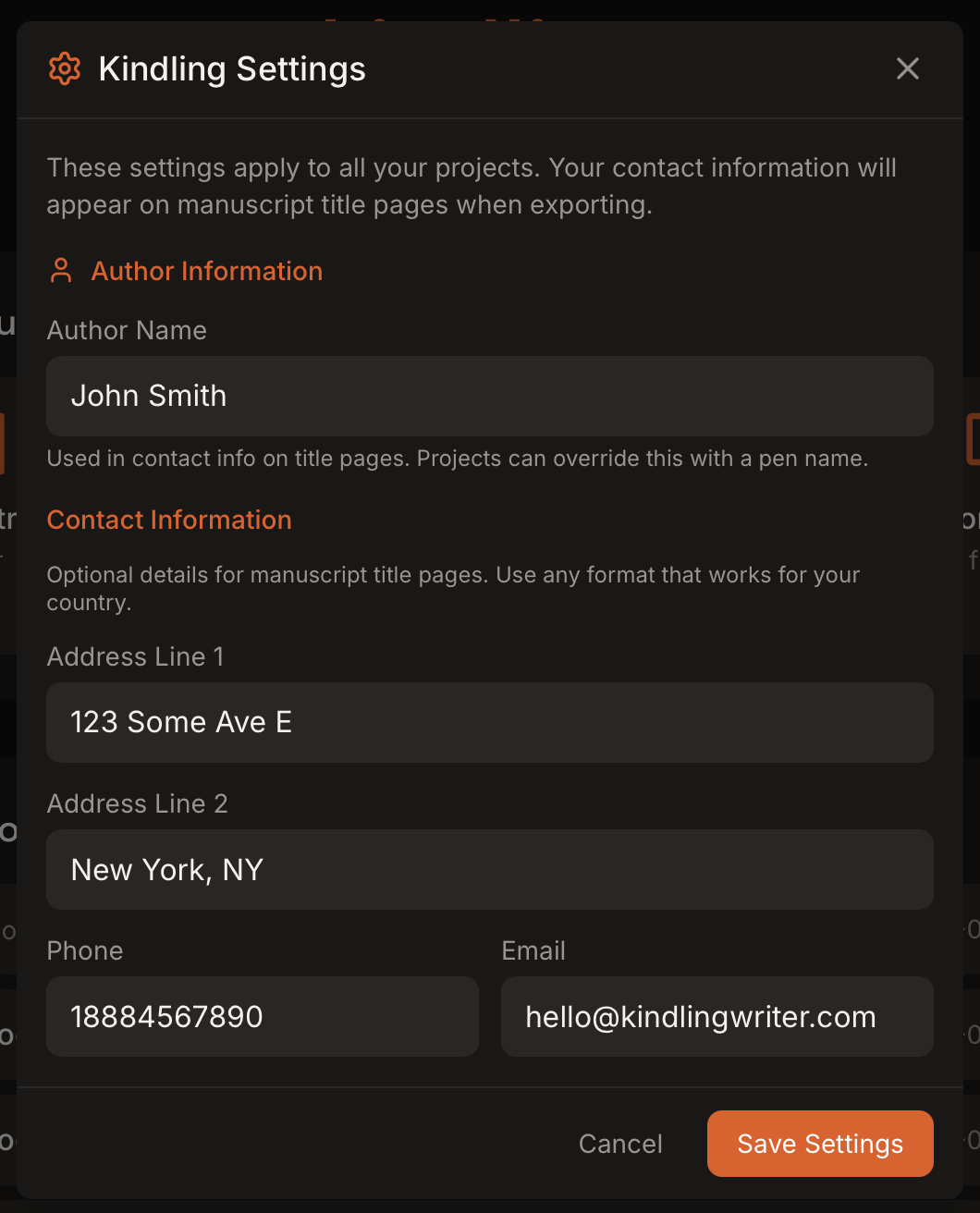
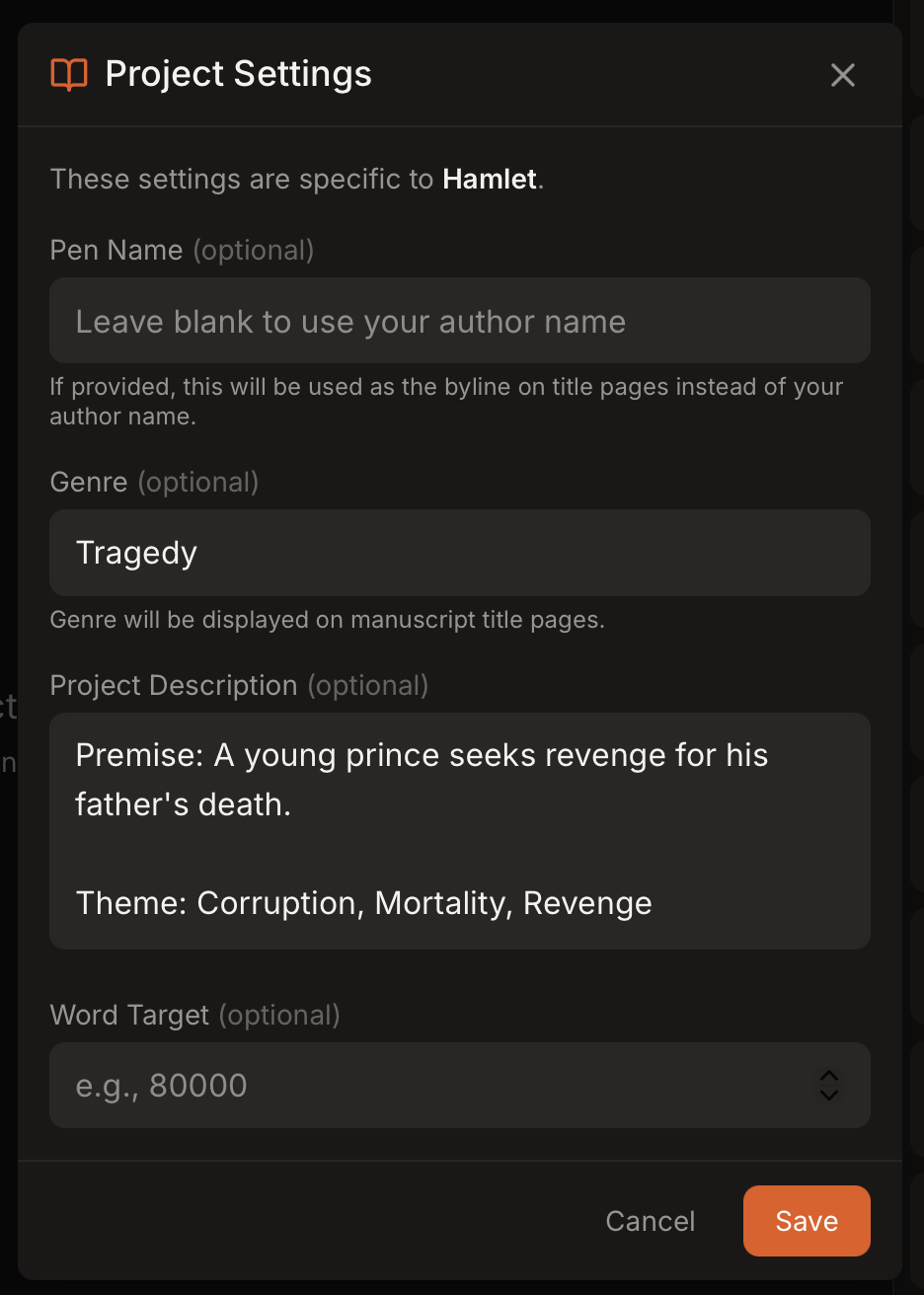
Kindling has two layers of settings: app-wide settings that apply to every project, and project-specific settings for individual manuscripts.
App settings control your author and contact information, which is used on exported title pages.
Project settings customize metadata for a single project:
Reference types are managed from the References panel settings cog. You can enable or disable reference types per project (characters, locations, items, objectives, organizations).
Settings influence exports in several places:

