kindling Wiki
Novel writing app that bridges outlining and drafting. Built with Rust
Status: Beta
Brought to you by:
smithandweb


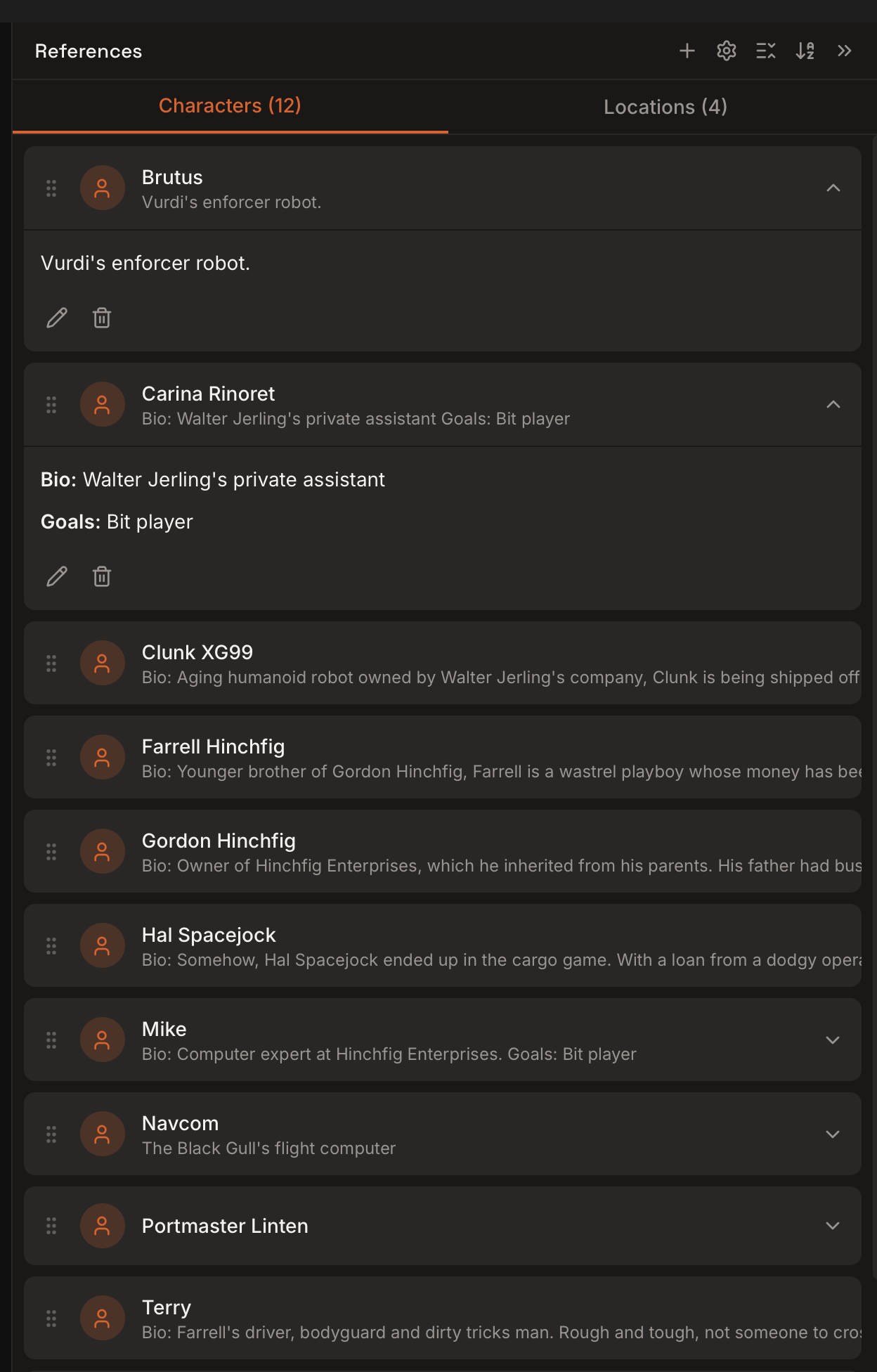
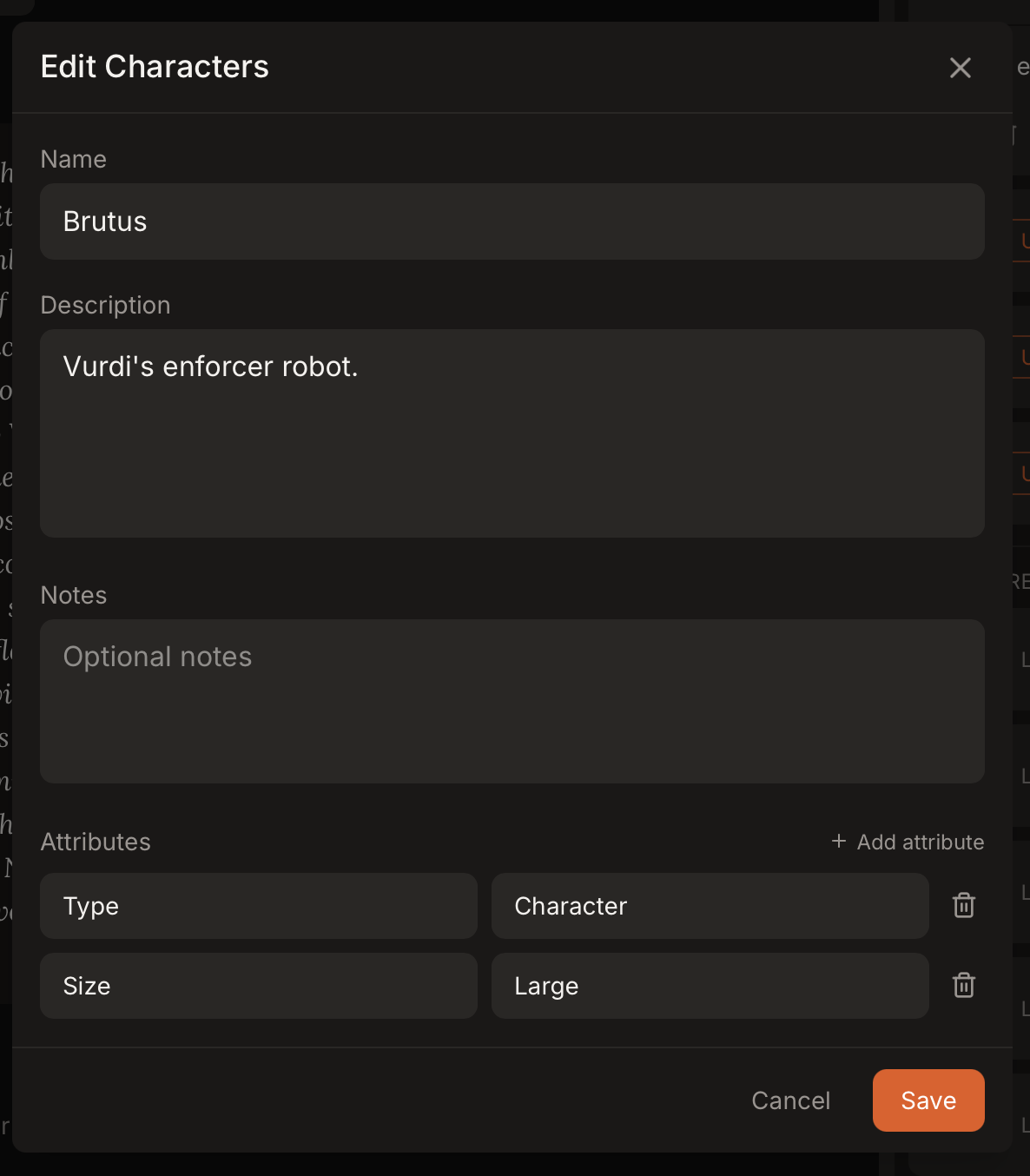
References help you track people, places, and story elements across scenes. Each reference can include notes and custom attributes, and you can link them to specific scenes.
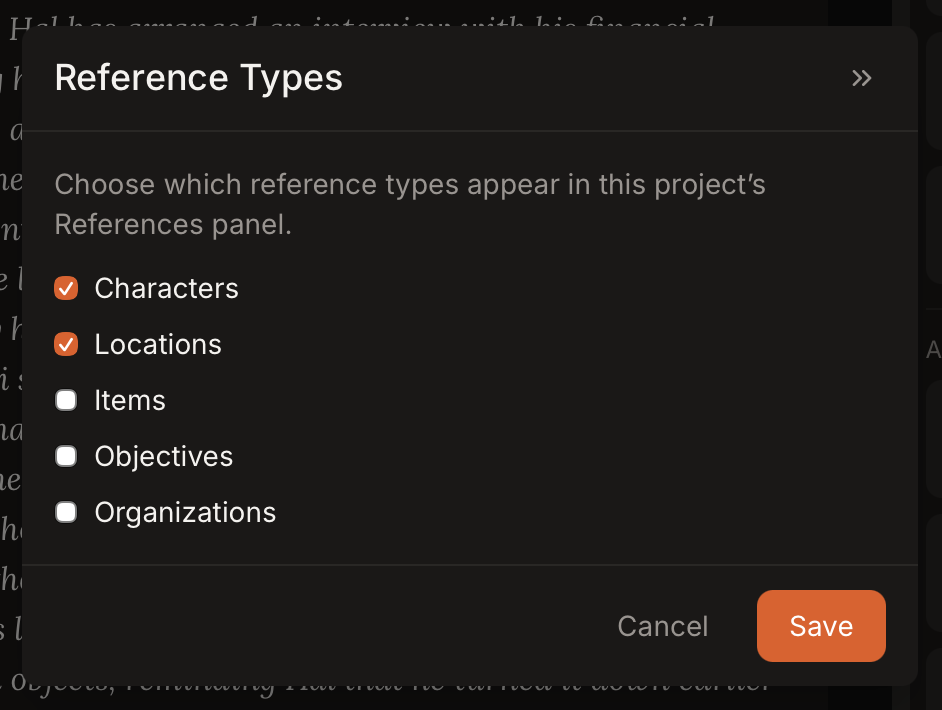
Kindling supports these reference types:
The References panel shows tabs for each enabled reference type and lets you create, edit, and link references.
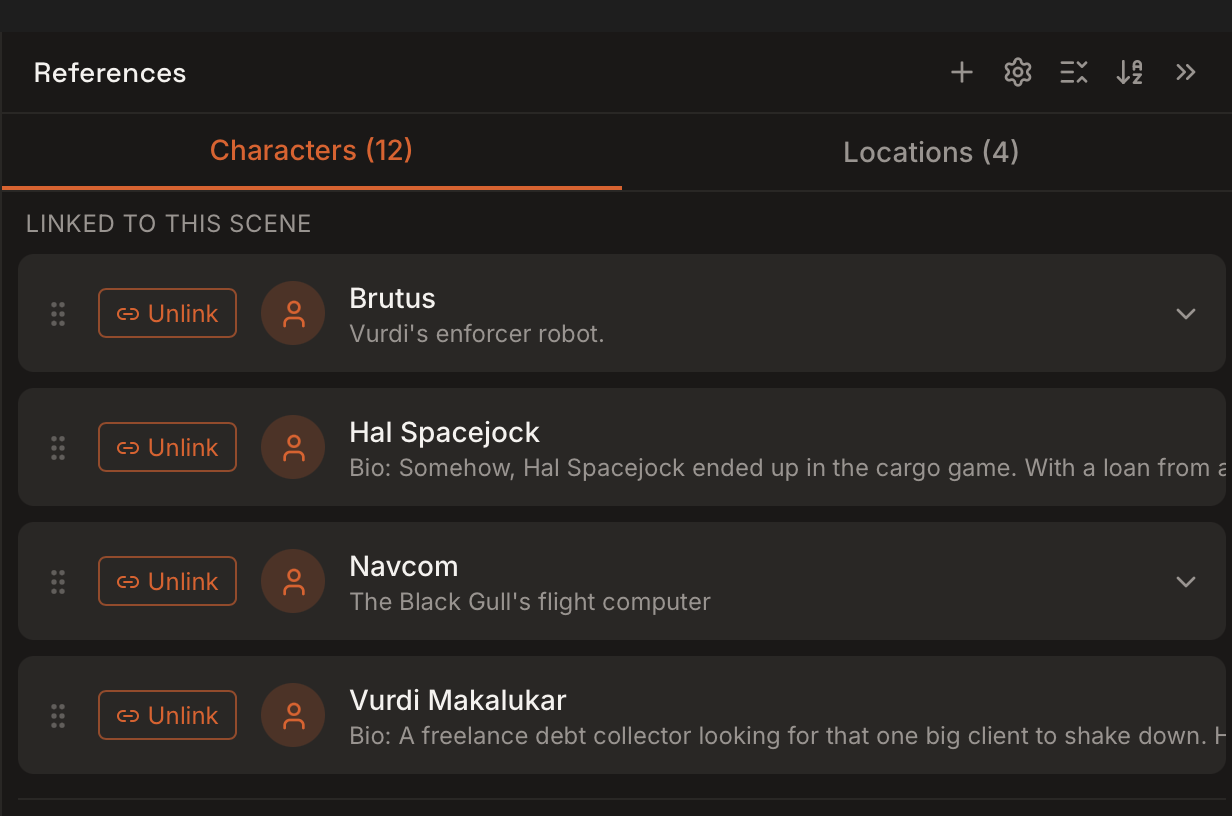
When a scene is selected:
Each reference includes:
Use the settings cog in the References panel to enable or disable reference types per project.