kindling Wiki
Novel writing app that bridges outlining and drafting. Built with Rust
Status: Beta
Brought to you by:
smithandweb


Kindling supports importing story outlines from multiple sources. This guide explains how to prepare your files for successful import and how reference data is handled.
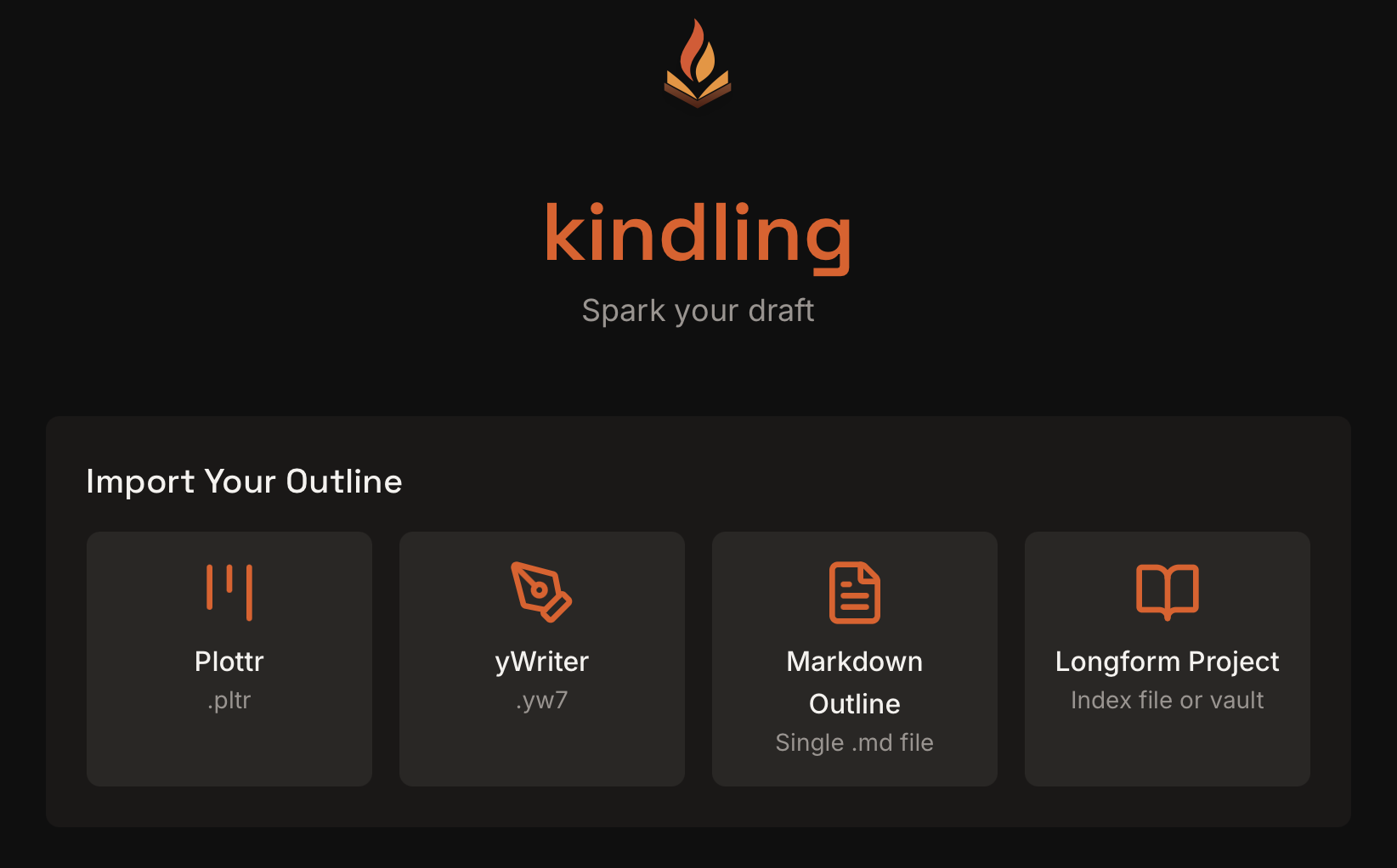
| Format | Extension | Description |
|---|---|---|
| Plottr | .pltr |
Plottr project files |
| Markdown | .md |
Plain text markdown outlines |
| yWriter | .yw7 |
yWriter 7 project files |
| Longform/Obsidian | .md index or vault folder |
Longform index + scene files |
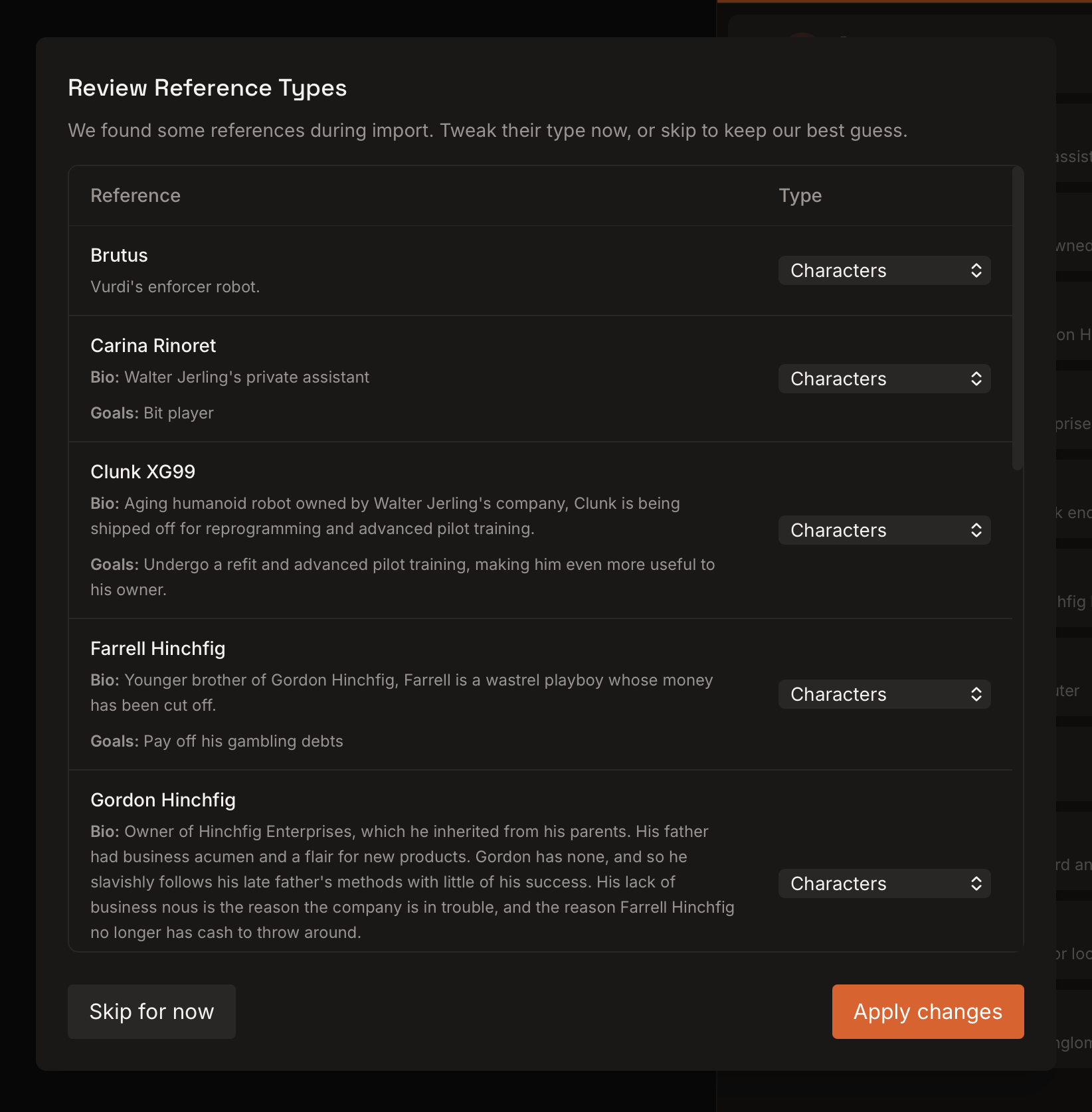
If Kindling detects references during import, it opens a classification dialog so you can confirm or adjust reference types before continuing. You can skip this step and refine reference types later in the References panel.
Plottr is a visual story planning tool. Kindling imports the full project structure including characters, locations, and scene cards.
.pltr file (this is the native format)For users who prefer plain text, Kindling supports a simple markdown outline format.
# Chapter Title)## Scene Title)# Act One
## The Opening
- Introduce the protagonist
- Establish the ordinary world
- Show the character's flaw
## The Inciting Incident
- Something disrupts the status quo
- The protagonist must respond
# Act Two
## Rising Action
The stakes begin to escalate.
Multiple paragraphs also work as beats.
- Or you can mix list items
- With paragraph content
## The Midpoint
* Asterisk lists work too
* A major revelation occurs
| Element | Syntax | Example |
|---|---|---|
| Chapter | # + title |
# Chapter One |
| Scene | ## + title |
## The Beginning |
| Beat (list) | - or * + content |
- Hero wakes up |
| Beat (paragraph) | Plain text under a scene | The sun rose slowly. |
# (hash + space) become chapters## (two hashes + space) become scenes### and beyond become paragraph-style beats, not structure- or * is ignored# Chapter Name- or * for lists (both work, but consistency helps readability)The parser handles special characters correctly:
"quotes" and & are preserved**bold** and *italic* are preserved as-is (not rendered)| Input | Result |
|---|---|
| Empty file | Creates a default "Chapter 1" |
| Only H2 headers (no H1) | Creates default chapter, but scenes are ignored |
| Only list items (no headers) | Creates default chapter, but beats are ignored |
| Only H1 headers | Chapters with no scenes or beats |
yWriter stores projects in a single XML file. Kindling imports the outline, metadata, and reference data.
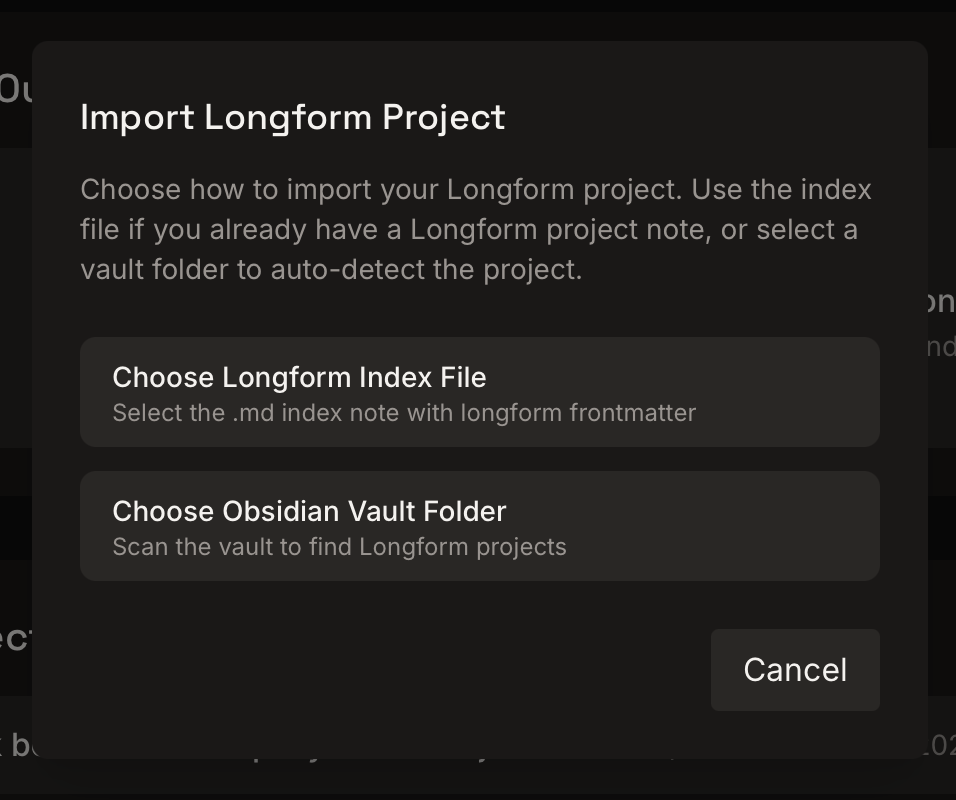
.yw7 file from yWriter 7[i], [b]) is preservedKindling supports Longform/Obsidian projects by reading a Longform index file and its scene files. You can import either:
Kindling enhances the Obsidian workflow—it doesn't replace it. Keep research and worldbuilding in Obsidian, and use Kindling for structured outlining, scene planning, and export-ready manuscripts.
longform.scenes listMy Novel/
index.md
scenes/
Scene One.md
Scene Two.md
characters/
locations/
items/
objectives/
organizations/
templates/
Longform index files must include YAML frontmatter with a longform block:
---
longform:
  format: scenes
  title: My Project
  sceneFolder: scenes
  scenes:

    - Chapter One
    - - Scene One
      - Scene Two
---
format: scenes is required (single-scene Longform projects are not supported yet).sceneFolder points to your scene files.scenes supports nested lists for chapter grouping.Scene files can include frontmatter fields to help Kindling parse metadata and reference types:
---
status: draft
synopsis: The inciting incident begins.
pov: "[;Mara]"
characters:

  - "[;Mara]"
  - "[;Jon]"
setting: "[~Old Harbor]"
items: [Ancient Map]
objectives: Find the relic
organizations: "[Guild of Tides]"
---
Supported fields:
status (draft, revised, final)synopsispov, characterssetting (or locations)items / objectsobjectives / goalsorganizations / factions / groups / teamsYou can also use Dataview-style fields (characters::, setting::) or #status/final tags.
Kindling detects reference notes using both folder names and frontmatter:
characters/, locations/, items/, objectives/, organizations/type, category, or tags in frontmatter (e.g., type: character)[;Name] for characters and [~Place] for locations when a name could be ambiguouslongform.scenes list so ordering stays in synclongform.format: scenescharacters/, locations/)type, category, or tags frontmatter to classify notes[;Name] and [~Place] prefixes for ambiguous namesformat: scenes only (single-scene format is not supported yet).| Feature | Plottr | Markdown | yWriter | Longform/Obsidian |
|---|---|---|---|---|
| Chapters | Yes | Yes (H1) | Yes | Yes |
| Scenes | Yes | Yes (H2) | Yes | Yes |
| Beats | Yes (scene descriptions) | Yes (lists/paragraphs) | Yes (Goal/Conflict/Outcome) | Yes (beats marker) |
| Synopsis | Yes | No | Yes | Yes |
| Prose | No | No | Yes | Yes |
| Characters | Yes | No | Yes | Yes |
| Locations | Yes | No | Yes | Yes |
| Items/Objectives/Organizations | No | No | Items only | Yes |
| Scene-reference links | Yes | No | Characters/locations | Yes |

