Download
MY SMALL CHANGES of the original Kali Live ISO 2020.4
1. I have replaced the original kernel with kernel 5.9.10-exton. Kernel 5.9.10 is the latest stable kernel available from kernel.org.
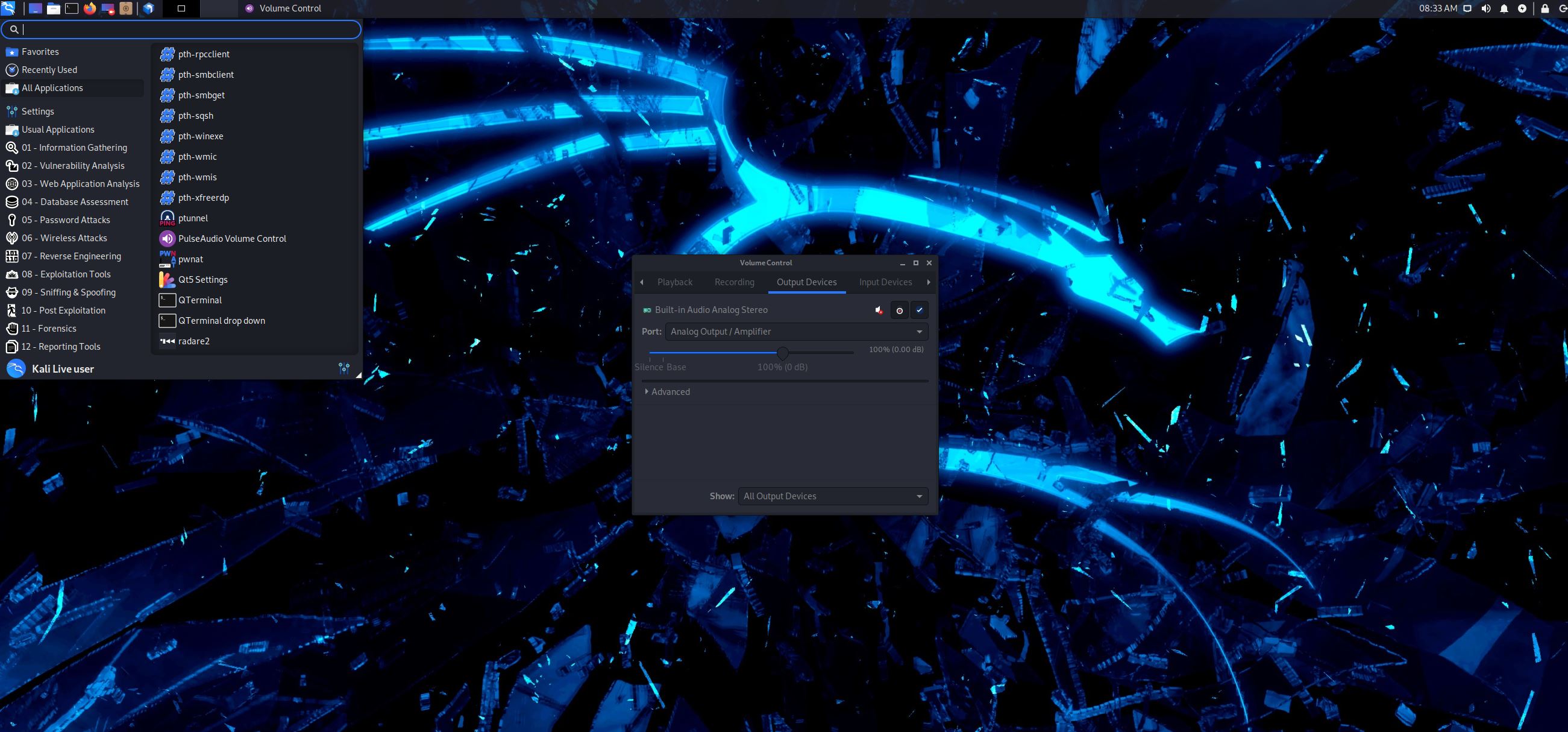
2. I have installed VirtualBox Guest Additions so that you can run Kali live in full screen in VirtualBox. Watch this screenshot: http://exton.se/kali/kali-rem-fix-audio.jpg
3. I have installed Nvidia’s Proprietary Graphics driver 455.45.01 so that you can use it while running Kali live (from a DVD or a USB stick). Watch this screenshot: : http://exton.se/kali/kali-rem-nvidia.jpg
4. I have installed Refracta Installer. Use it to install Kali to hard drive while running Kali live. Watch this screenshot: http://exton.se/kali/kali-rem-refracta-installer-started.jpg
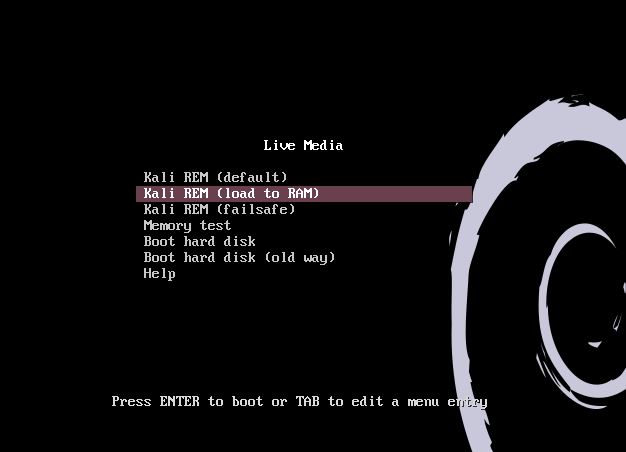
5. You can run Kali super fast live from RAM. Watch this screenshot: http://exton.se/kali/kali-rem-live-ram.jpg
6. I have installed Refracta Snapshot. Use it to create your very own live installable Kali system.
Features
- Kernel 5.9.10-exton
- Nvidia’s Proprietary Graphics driver 455.45.01 pre-installed
- Refracta Installer
- Run Kali live from RAM
- VirtualBox Guest Additions pre-installed
- Kernel headers
- Refracta Snapshot
Project Samples