Menu
▾
▴
Screenshots
GLMixer Version 1.3
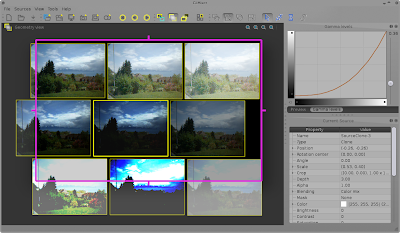
Selection in the layers view:

Utility toolboxes for adding notes (left) and arranging layout (right):


New support of FreeFrame GL plugins(v 1.5 and 1.6) :
FreeFrame EFFECT Plugin:

!Freeframe GL SOURCE :

New integrated Mixing toolbox:


Management (saving and restore) of presets of mixing configuration

GLMixer Version 1.2
New toolbox to control blending :
Control the blending options (mixing mode, mask), the gamma filter, the color filters (saturation, brightness, etc) and the effect filters.


Rendering view :
Displays the current output or only the selection as mixed in the output.


Added a preview of the original source in the control toolbar :

GLMixer Version 1.1
Align and distribute toolbox

Manipulation of selection (many sources together) in Geometry View


Toolbar (and keyboard shortcuts) to control playback of many sources simultaneously

GLMixer Version 1.0
Three plugins: - CameraMix (live video input) - ScreenMix (live screen capture) - ScribbleMix (live drawing)

New shared memory sources reading frames from external programs:


New Log manager:

Improved Gamma levels widget:

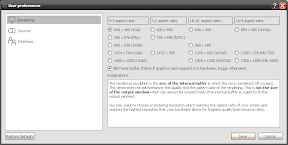
New interaction configuration preference panel:

New context Menu on sources:

More special behavior cursors :


Transition pannel for automatic and manual transition to another session:


Preview panel with buttons for fast access to usual operations, and capture sources now saving images into the session file:


Current status at version 1.0 :

GLMixer Version 0.9
New toolbox and preferences for recording:

- active output on/off
- pause rendering
- start / end recording (new file)
- suspend / resume recording (same file)
- save screenshot
- fullscreen

Current interface for mixing, geometry and layers:

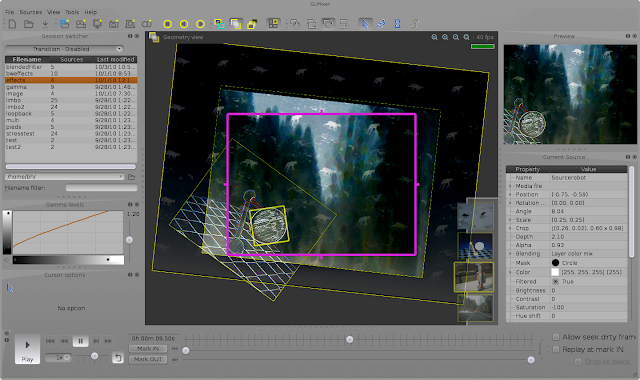
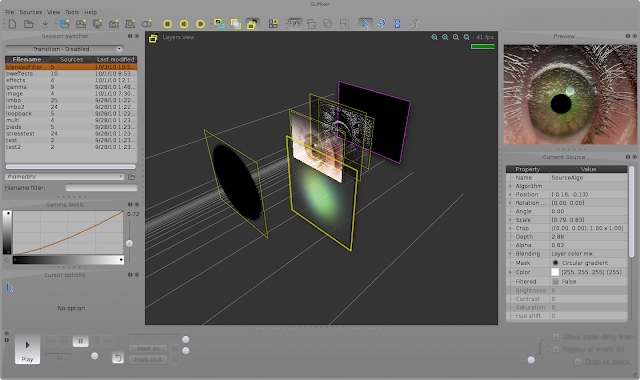
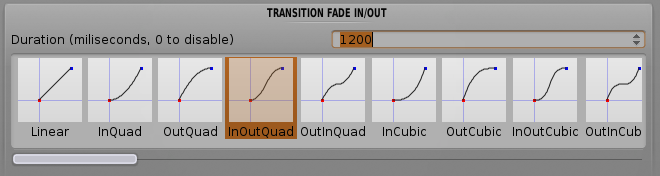
New features: Session switcher: smooth transitions (fully configurable) between .GLM session files (browse a folder) with a double-clic!
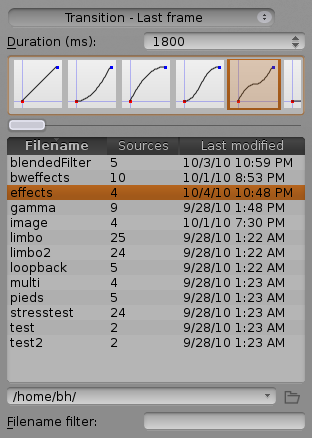
Smooth transitions between closing and openning of .GLM session files (or on demand un-clutch of the rendering).
GLMixer Version 0.8
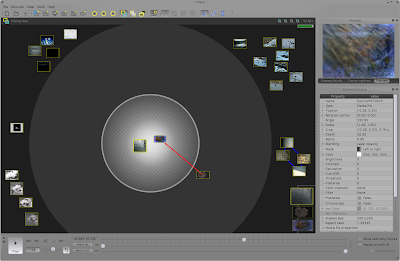
LIMBO area (dark) in the mixing view; keep several videos under the shoulder, ready to play but not active (save CPU).
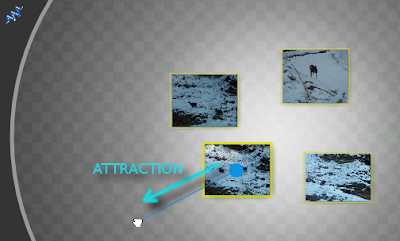
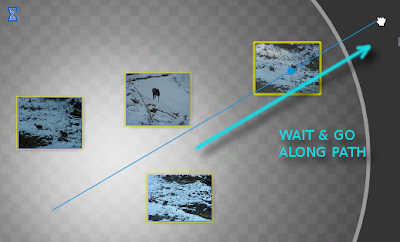
Dynamic CURSORS : Your mouse actions are 'filtered' to allow smoother transitions or movements.
NEW FILTERS : the new GLSL implementation of plenty of new filters and color manipulation.
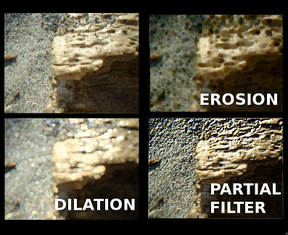
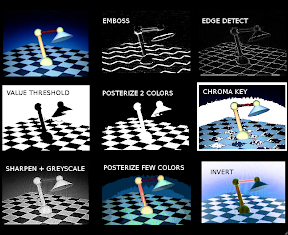
Every sources are filtered in a uniform way, whatever their type (e.g. a clone of a video can be filtered differently that its original). 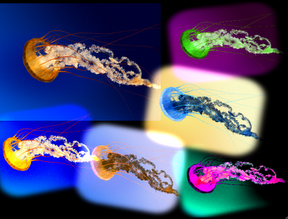
GAMMA levels; fast and easy access to color improvements with a new toolbox dedicated to gamma adjustment and levels (like in gimp or Photoshop).
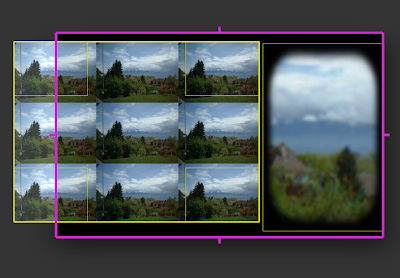
CROP & REPEAT texture
Better control of video files : start/stop, pause, frame by frame, etc. (and lots of bug fixes!)

Saving of user preferences and automatic remembering of interface configuration (toolboxes, window layout, etc.).
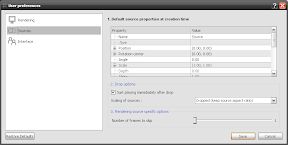
ROTATION of sources
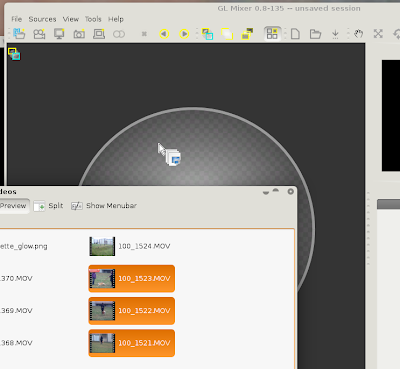
Drag & drop basket (drag several files from system and drop them one by one in your working view):
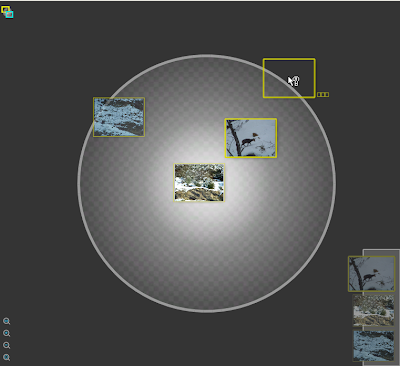
Catalog of all sources (preview only): 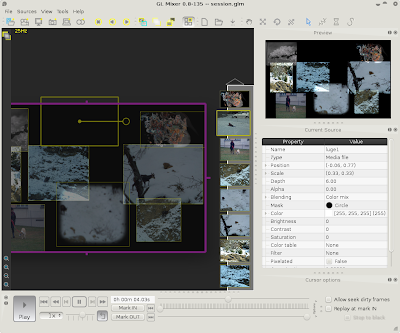
GLMixer Version 0.7
New features;
Save, load, import, sessions as XML files.
Definition of a mask on every source to blend with soft borders (aka. the layer mask in Gimp or Photoshop).
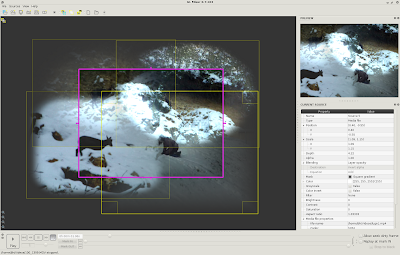
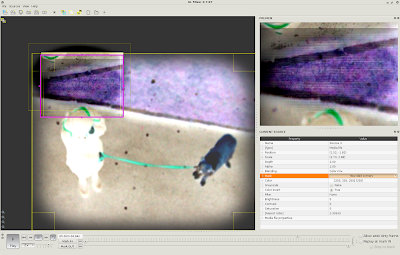
Live filtering of (almost) every source : convolution filters (blur, sharpen, edge detect, emboss), invert change color table, brightness, contrast and saturation sliders, pixelated:
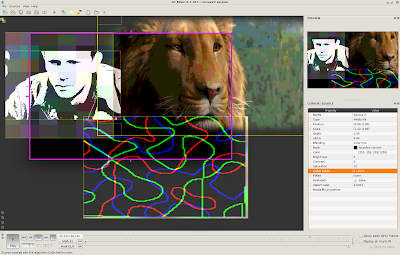
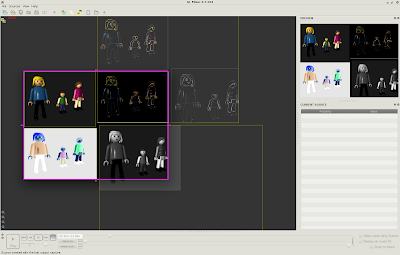
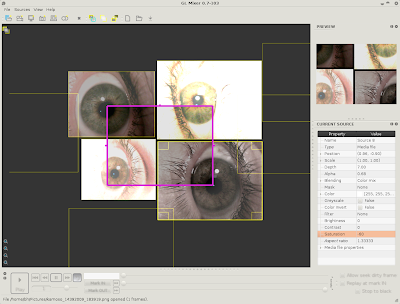
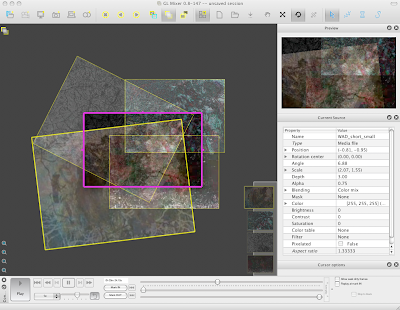
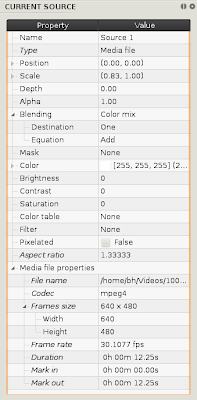
Uniform and generic property browser to display source information but mainly to control all the filters and to adjust the mixing attributes (move, scale, etc. with numbers).
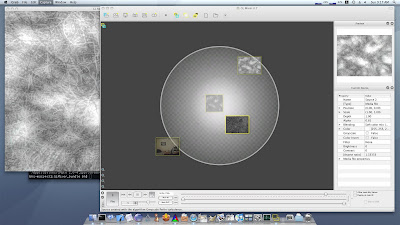
First OSX binary release ! :
GLMixer Version 0.6
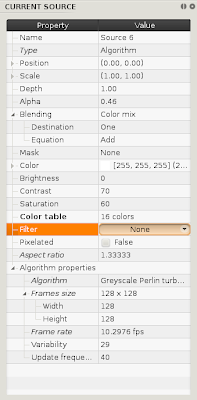
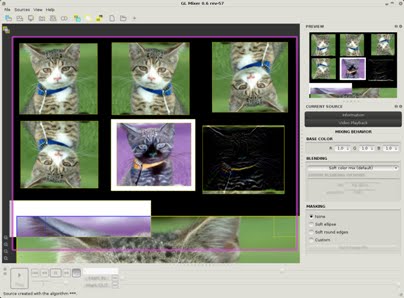
New features; birghtness, contrast and saturation pre-filtering of the Movie files at reading time (ffmpeg swscale parameters), and creation of algorithmic sources (random noise, Perlin noise and turbulences);
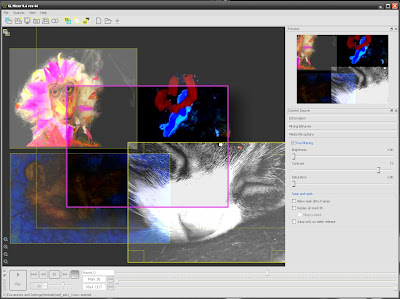
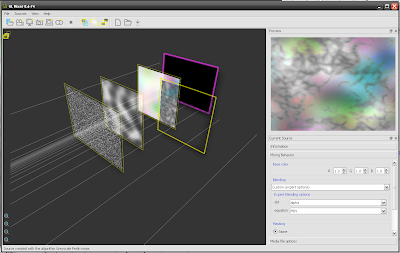
Layers view new interface:
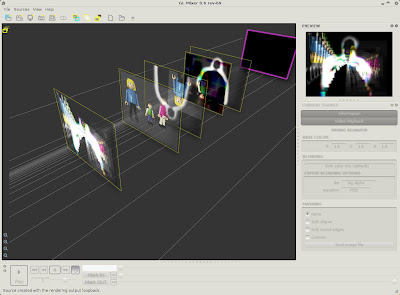
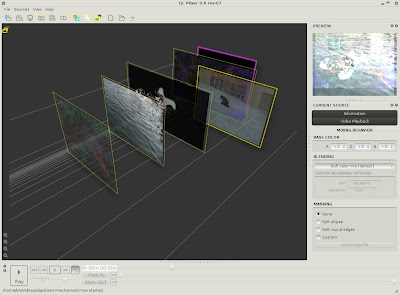
Mix with a video source cloned several time, each clone being placed and blended differently:
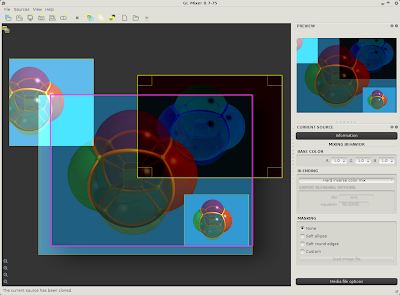
The Layer view (like photoshop layering orders) allow to control how the blending options will eventually produce the image:
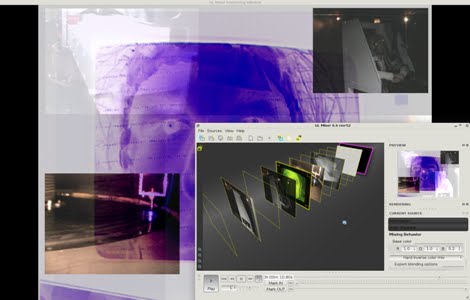
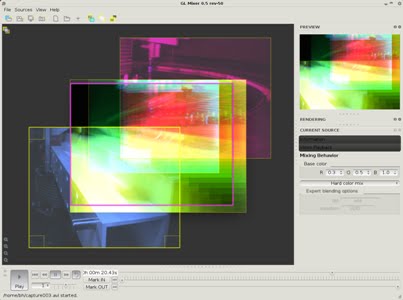
Blending options allow to specify a base color and different mixing effects. Sources can also now be freely scaled, including in negative directions to flip horizontally or vertically:
GLMixer Version 0.5
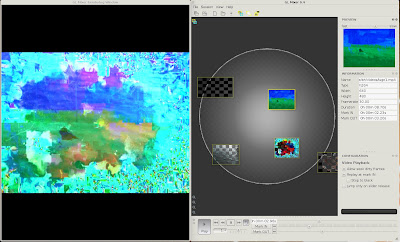
Now introduced the "loopback" source which allows to take the rendering output as a new input source;
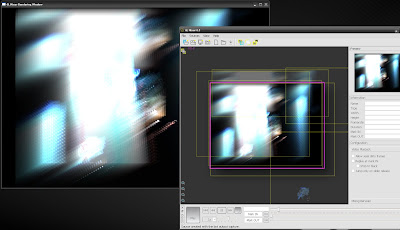
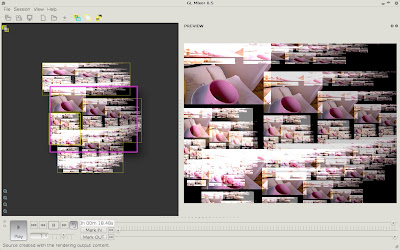
The mixing and geometry views with output rendering preview:
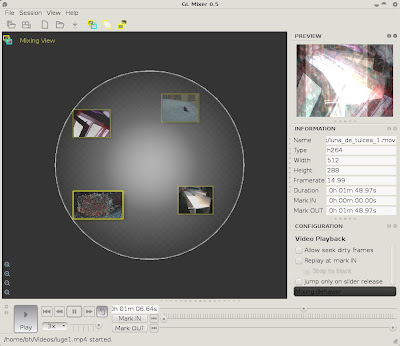
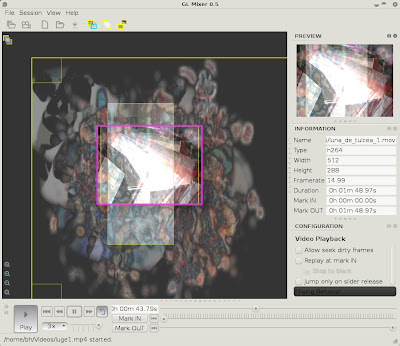
GLMixer Version 0.4
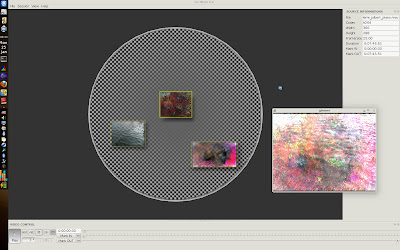
The Mixing interface with source preview;
GLMixer Version 0.3
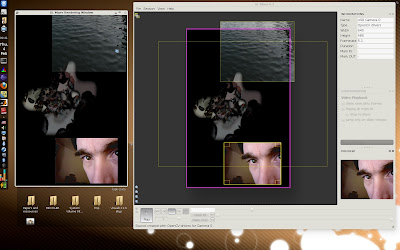
NEW: the geometry view to scale and move the sources:
GLMixer Version 0.2
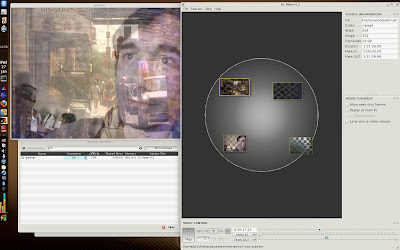
Mixing View (with the newly introduced LIVE CAMERA source) and the separate window for rendering output: