
 Download
digiCamControl is an free and open source software. This allows you to save time by transferring images directly from your camera to your computer as you take each shot and allow to control camera shooting parameters.
Features
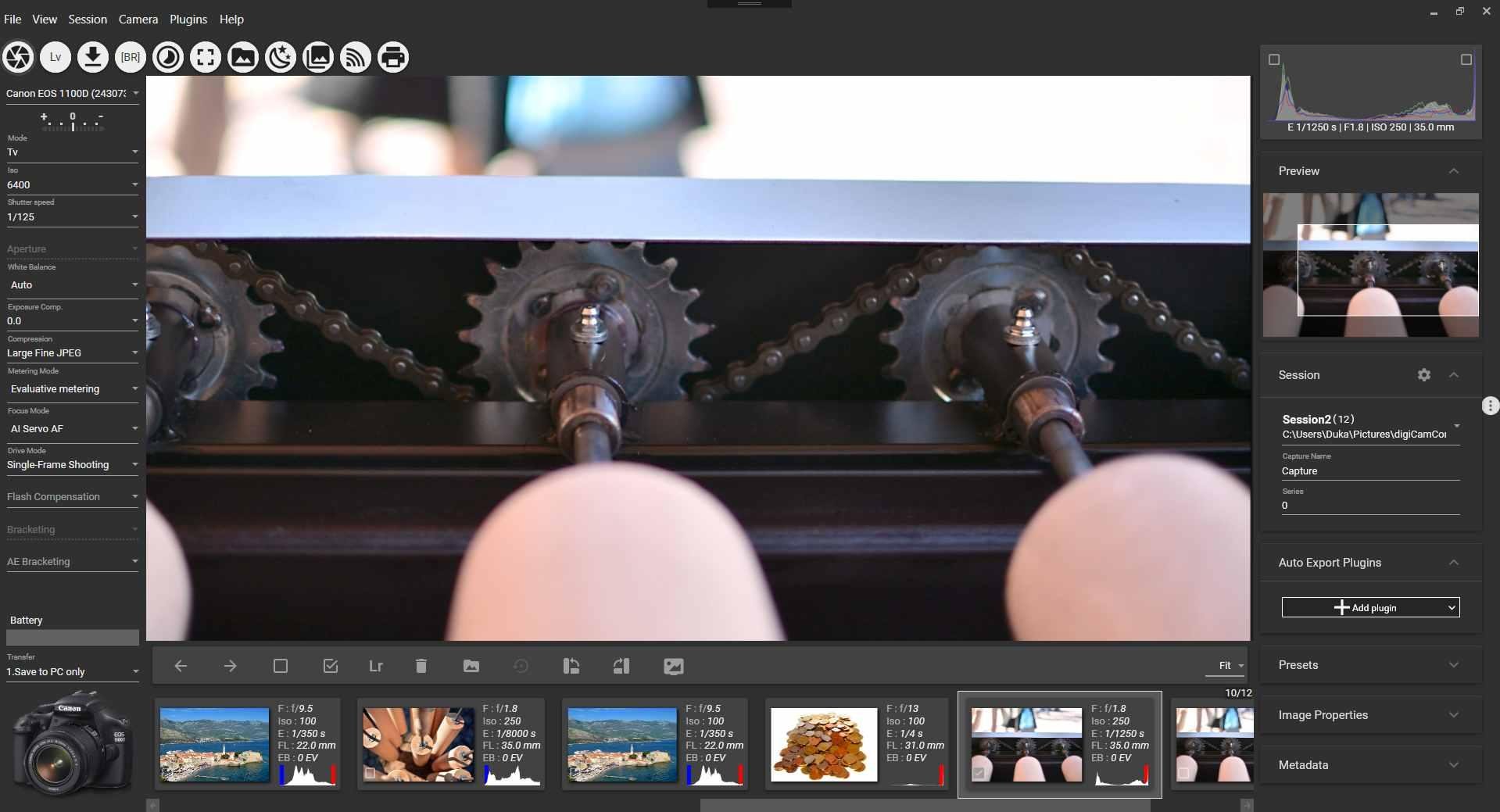
- Control you camera remotely from your computer via USB
- Trigger image capture via release button on camera body or remotely from your computer.
- Handhold the camera, shoot, and have the resulting images displayed on the computer monitor.
- Bracketing with an arbitrary shutter speed or exposure value.
- Use the advanced interval meter to create a series of time-lapse images and generate time-lapse video.
- Manage multiple profiles.
- Histogram & photo metadata view.
- Review in full screen.
- Manage camera presets (saved camera settings).
- Webserver function allows the remote control of application functions via a web browser, e.g. smart phone.
- Multiple camera support, you can control multiple connected cameras at the same time, triggering photo capture in parallel, or one by one - we're looking forward to seeing your "bullet time" photos!
- Live view in computer display
- Bulb mode for D800, D4, D600, possibility to define custom shutter speed
- Automated focus stacking
- Motion detection
- More on http://digicamcontrol.com/#features
Project Samples



License
MIT LicenseOther Useful Business Software
Train ML Models With SQL You Already Know
Build and deploy ML models using familiar SQL. Automate data prep with built-in Gemini. Query 1 TB and store 10 GB free monthly.
Rate This Project
Login To Rate This Project
User Reviews
-
Program failed to install so I have no way of telling if it's any good.
-
Live view didn't work at all for 1000D. Sticking with EOS Camera Movie Record.
-
It won't let change my iso. For some reasons the iso tab is desactivated.
-
Works great with Nikon. What about Sigma SD Quattro?
-
Focus stacking made easy with Nikon D750. Will use Nikon D810 next week. Dell i7 7700, 16G ram, Nvidia GTX1060
