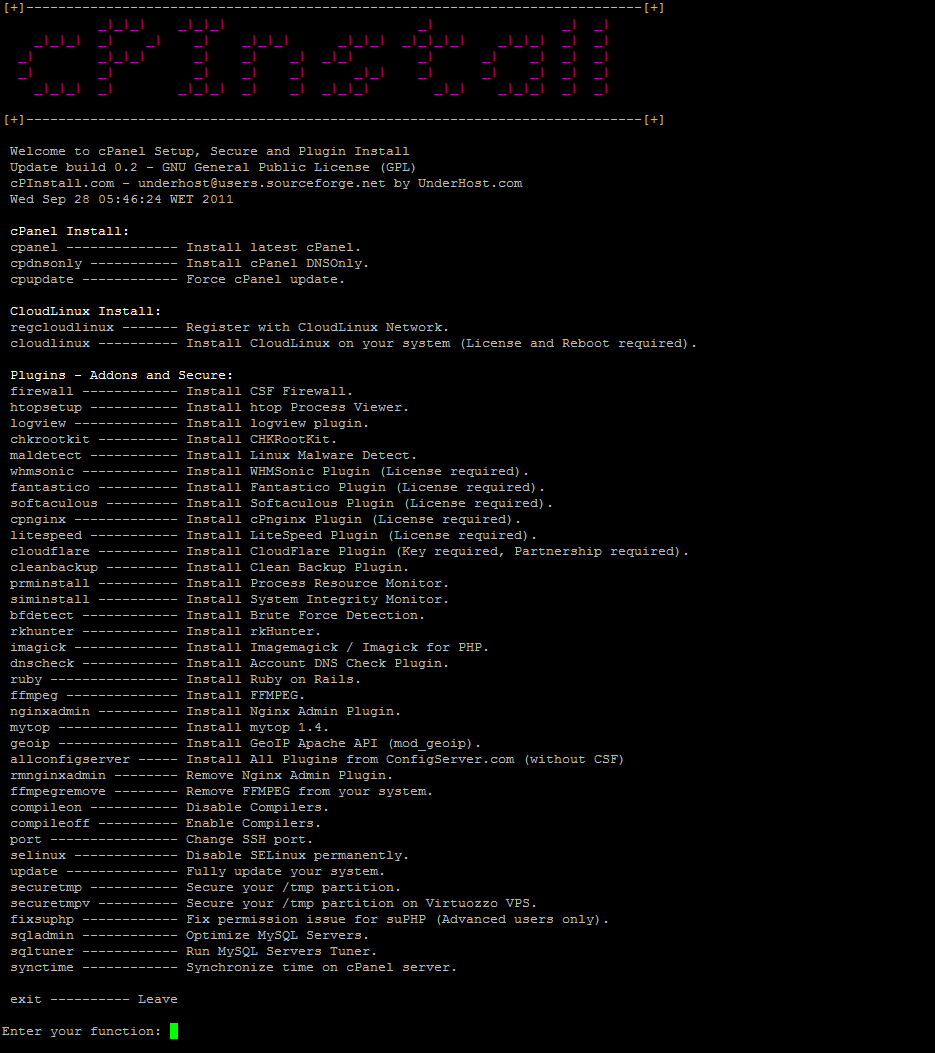
Welcome to cPanel Setup, Secure and Plugin Install
Update build 0.3 - GNU General Public License (GPL)
cPInstall.com - underhost@users.sourceforge.net
README:
http://sourceforge.net/projects/cpanel-install/files/
INSTALL:
http://underhost.com/dev/cpinstall/
Features:
- Install cPanel without issue.
- Install cPanel DNS Only.
- Force cPanel update.
- Register with CloudLinux Network.
- Install CloudLinux on your system (License and Reboot required).
- Install CSF Firewall.
- Install htop Process Viewer.
- Install logview plugin.
- Install Process Resource Monitor.
- Install System Integrity Monitor.
- Install Ruby on Rails.
- Install WHMSonic Plugin.
- Install Fantastico Plugin.
- Install Softaculous Plugin.
- Install Clean Backup Plugin.
- Install Account DNS Check Plugin.
- Install cPnginx Admin Plugin.
- Install FFMPEG.
- Install LiteSpeed Plugin
- Install CHKRootKit.
- Install Brute Force Detection.
- Install Linux Malware Detect.
- Install All Plugins from ConfigServer.com (without CSF)
- Install rkhunter.
- Install Imagemagick / Imagick for PHP.
- Install CloudFlare Plugin.
- Install Nginx Admin Plugin
- Install mytop.
- Install GeoIP Apache API (mod_geoip)
- Run MySQL Servers Tuner.
- Remove Nginx Admin
- Synchronize time on cPanel server.
- Fully update your system.
- Disable SELinux permanently.
- Change SSH port.
- Secure your /tmp partition.
- Secure your /tmp partition on Virtuozzo VPS.
- Disable Compilers.
- Enable Compilers.
- Remove cPnginx Admin Plugin.
- Remove FFMPEG from your system.
- Fix permission issue for suPHP (Advanced users only).
- Optimize MySQL Servers. (Fix MySQL Optimization bug (updated already on 0.2))