
 Download
Installation
- Unpack the files in a folder called booklet
- Run dev/build
Usage
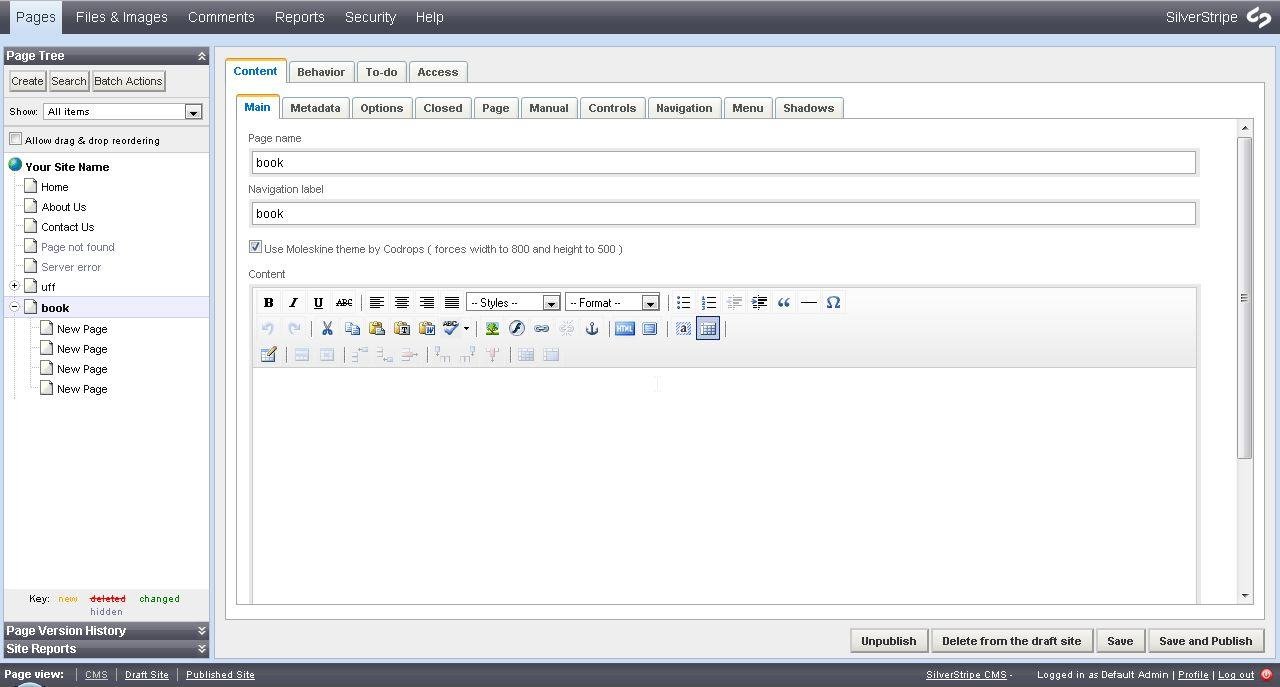
- At the CMS add a new page of "Booklet Holder" type
- Choose if you want to use the Moleskine Theme by checking the field at the Main tab
- In the tabs Options, Closed, Page, Manual, Controls, Navigation, Menu and Shadows you can set the jQuery plugin options
Project Samples




Categories
Content Management Systems (CMS)License
MIT LicenseFollow Booklet Silverstripe Module
Other Useful Business Software
Build Agents and Models on One Platform
Gemini Enterprise Agent Platform is Google Cloud's comprehensive platform for developers to build, scale, govern, and optimize agents and models. Choose from Google's most advanced models and third-party models like Anthropic's Claude Model Family.
Rate This Project
Login To Rate This Project
User Reviews
Be the first to post a review of Booklet Silverstripe Module!
