Download
Are you fed up of Custom Views to set fonts? Or traversing the ViewTree to find TextViews? Calligraphy is a library of custom fonts in Android an OK way. Add your custom fonts to assets/. All font definitions are relative to this path. Assuming that you are using Gradle you should create the assets directory under src/main/ in your project directory if it does not already exist. As it's popular to use multi-project build with Gradle the path is usually app/src/main/assets/, where app is the project name. You might consider creating a fonts/ subdirectory in the assets directory. Define your default font using CalligraphyConfig, in your Application class in the #onCreate() method and pass it to the CalligraphyInterceptor that you add to your ViewPump builder. You don't need to define CalligraphyConfig but the library will apply no default font and use the default attribute of R.attr.fontPath.
Features
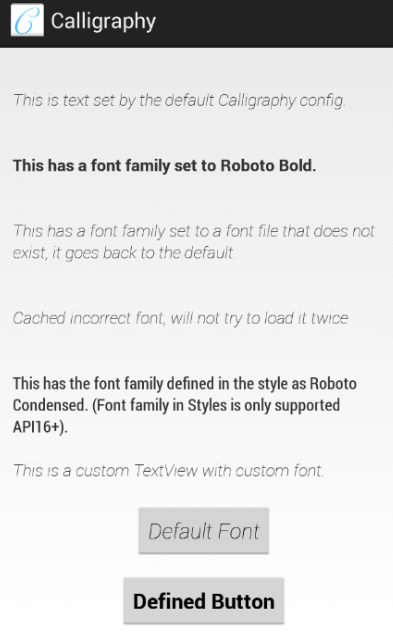
- Custom font per TextView
- Custom font in TextAppearance
- Custom font in Styles
- Custom font defined in Theme
- Define your default font using CalligraphyConfig, in your Application class
Project Samples